AI Background Generator: Create Custom Wallpaper Backgrounds
Need a clean backdrop for product shots, thumbnails, or desktop wallpapers? AI background generator turns a short prompt into high-quality backgrounds you can download and use right away. and scale from draft ideas to brand-ready assets.
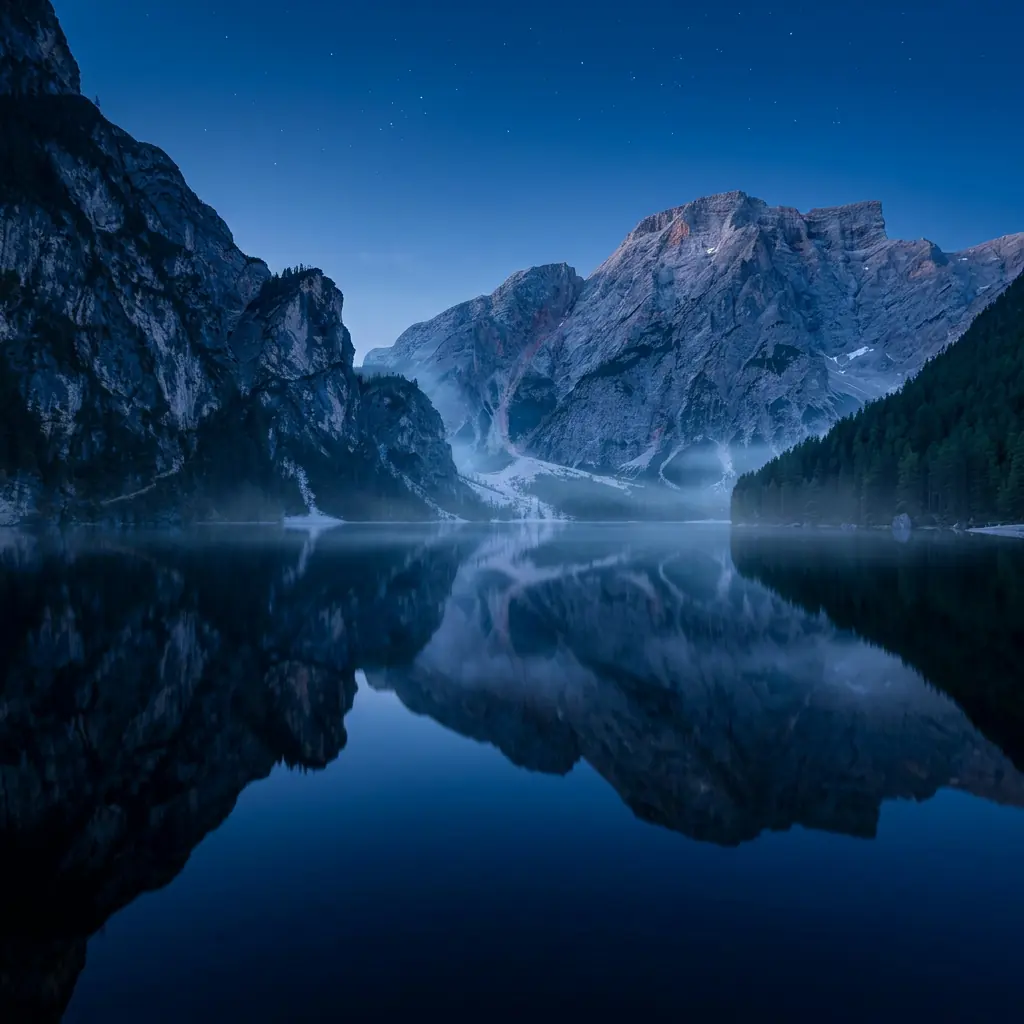
Create Custom Wallpapers with AI Background Generator—ready to try
A practical backdrop tool for product photography, YouTube thumbnails, presentation slides, and desktop scenes. Generate clean or atmospheric environments, then reuse the same look across a full creative set without hunting stock libraries.
Prompt examples for this use case
Browse curated image prompts that match this page intent. Open Canvas to continue with your own prompt—prefill only, no auto-generate.
Prompt examples are shown in English.
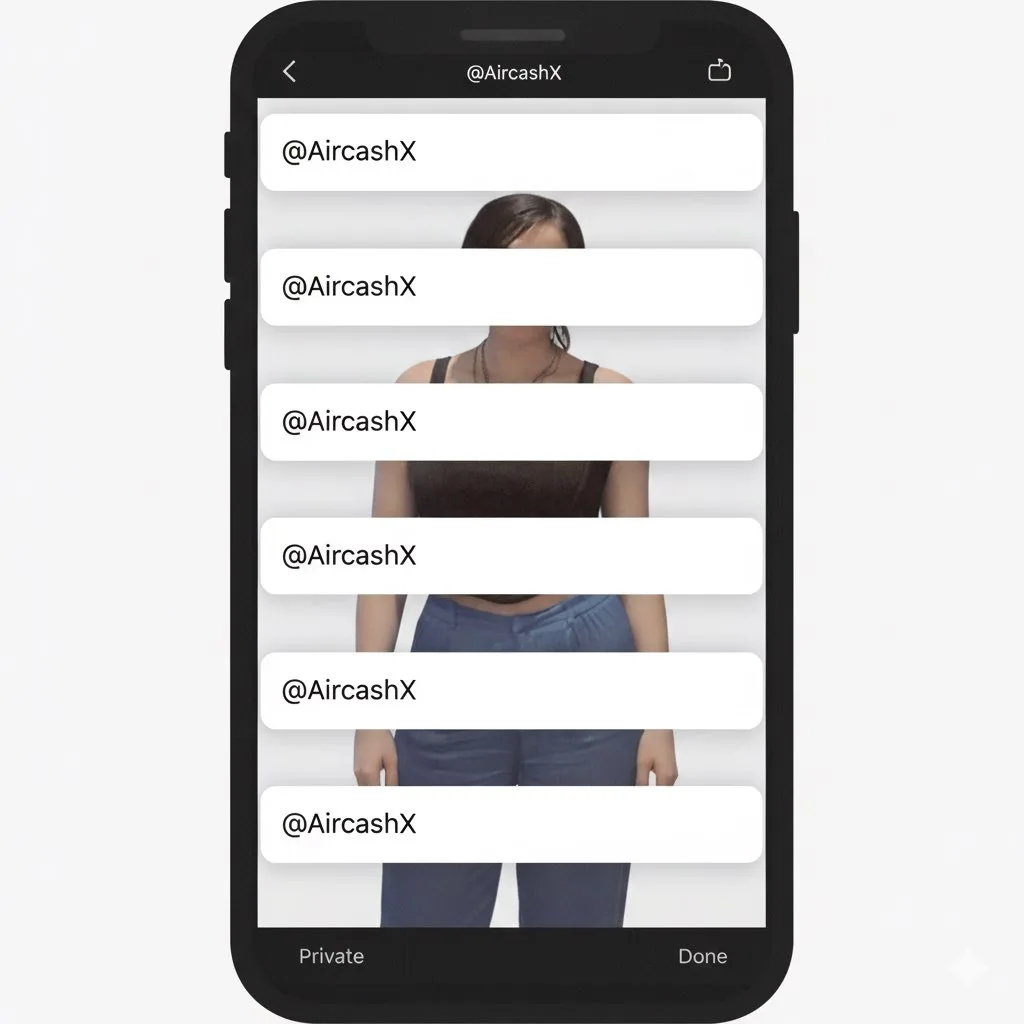
Studio Portrait with Digital UI Overlay
Subject Reference: A full-body portrait of [INSERT SUBJECT NAME]. Scene Description: A full-body, centered portrait of the subject [INSERT POSE DESCRIPTION]. The subject has [INSERT EXPRESSION], staring directly at the c…
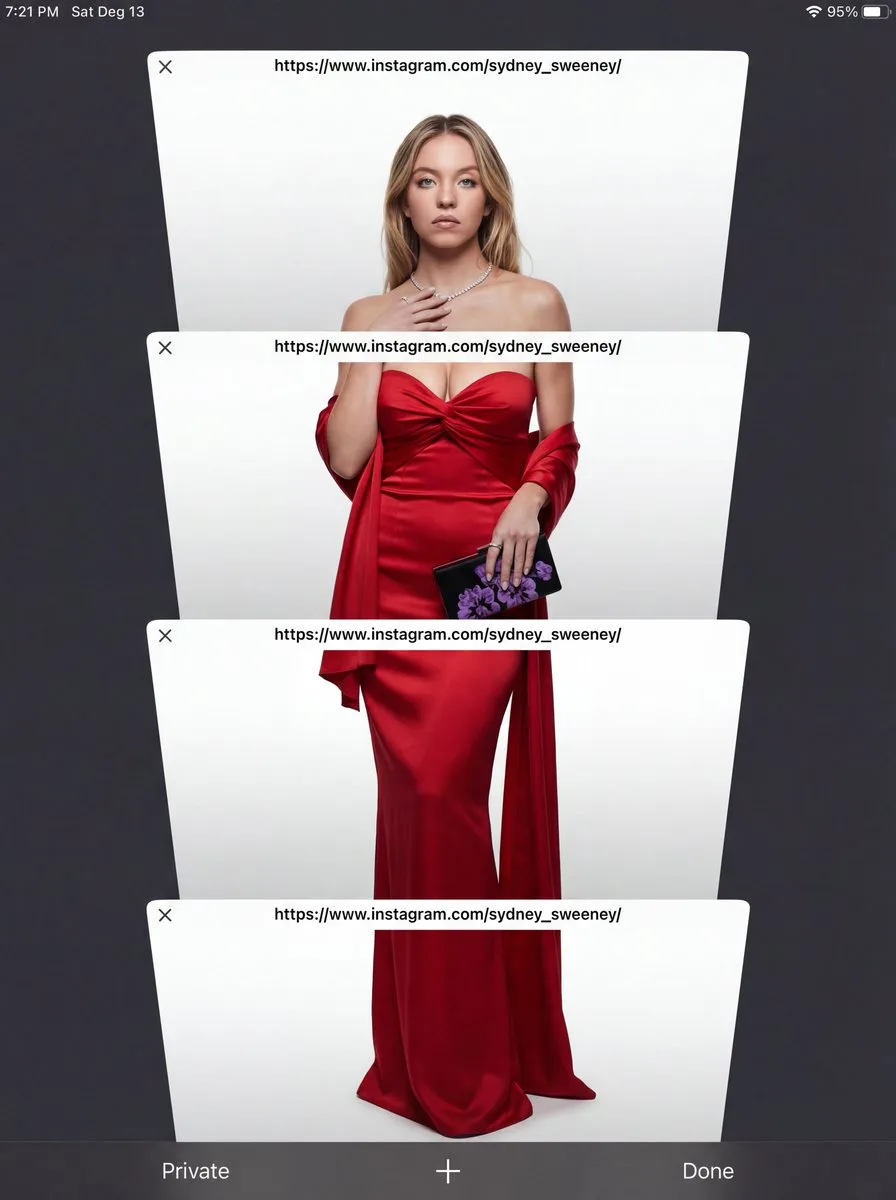
E-commerce Studio Portrait with UI Overlay
Subject Reference: A full-body portrait of [INSERT SUBJECT NAME]. Scene Description: A full-body, centered portrait of the subject [INSERT POSE DESCRIPTION]. The subject has [INSERT EXPRESSION], staring directly at the c…
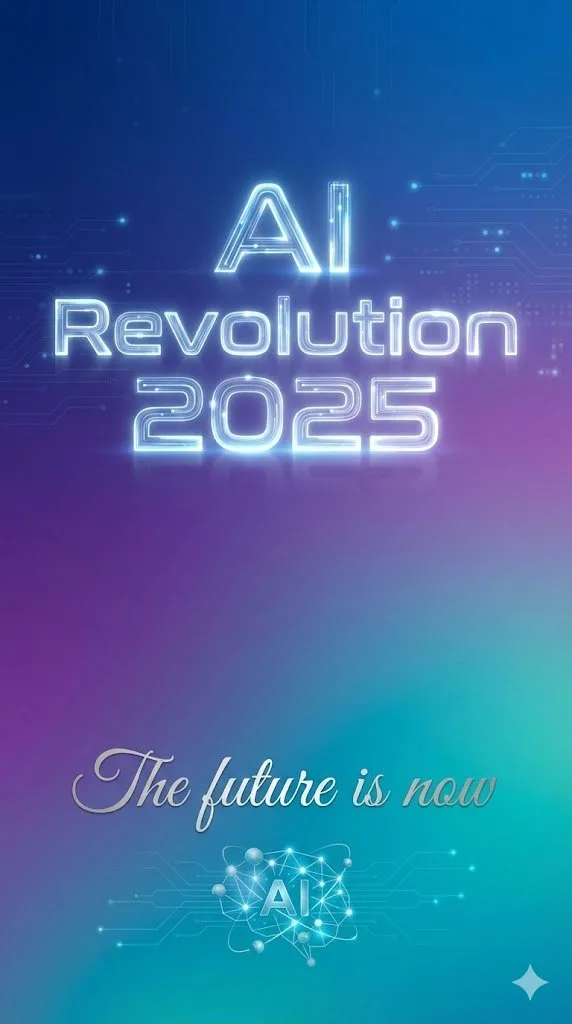
Text Rendering Control Template and Example Prompt
{ "scene": "minimalist tech poster with gradient background", "text_elements": [ { "text": "{argument name="headline text" default="AI Revolution 2025"}", "position": "center, upper third", "font_style": "bold, futuristi…
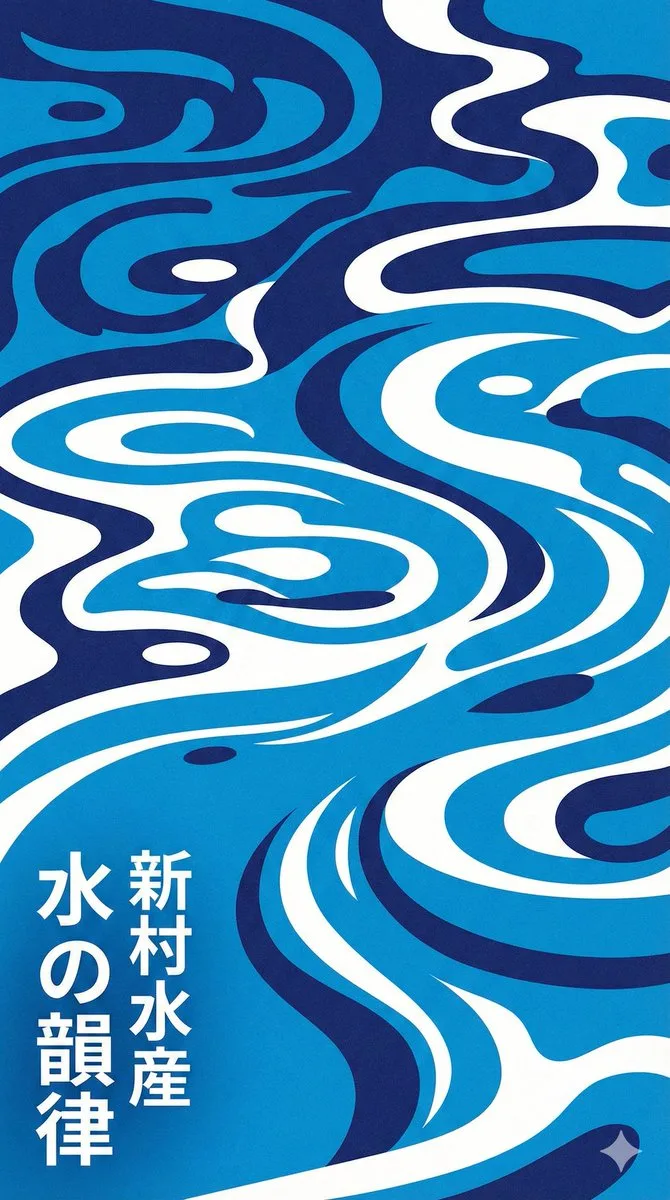
Modern Japanese Graphic Design Poster Prompt
Modern Japanese graphic design poster of stylized water ripples, abstract water surface pattern, organic biomorphic shapes, flat design, vector art style. Monochromatic {argument name="color palette" default="blue"} colo…
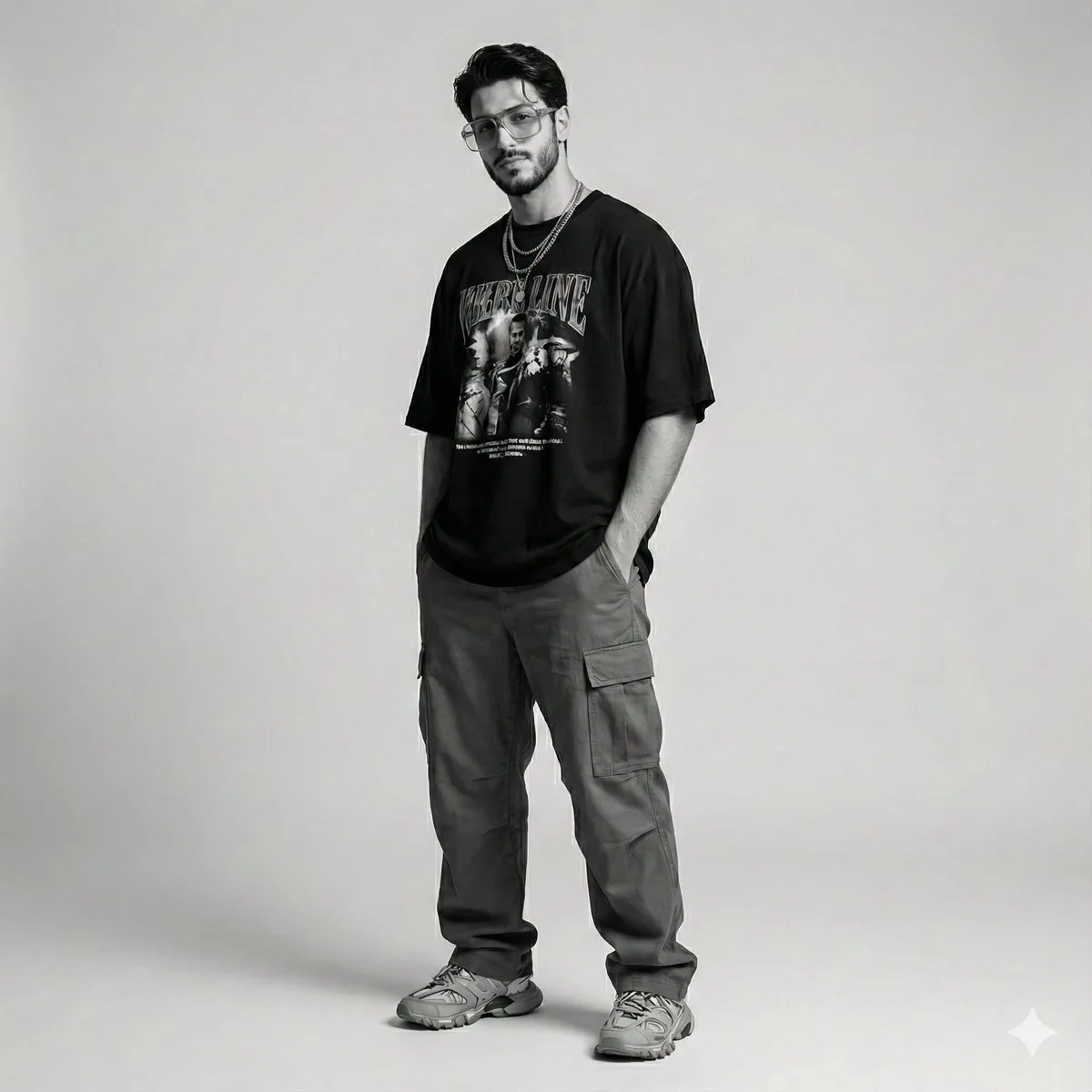
Gen Z Streetwear Fashion Portrait
{ "scene_description": "Modern studio photoshoot of a man, identical to the reference, styled in Gen-Z inspired streetwear with a relaxed, effortless aesthetic. The look feels current, bold, and naturally cool without tr…

Luxury Christmas Product Photography
A luxury Christmas-themed product photoshoot set in a {argument name="environment type" default="COZY / STUDIO / OUTDOOR"} environment. Place the uploaded product image as the hero object, standing upright at the center …
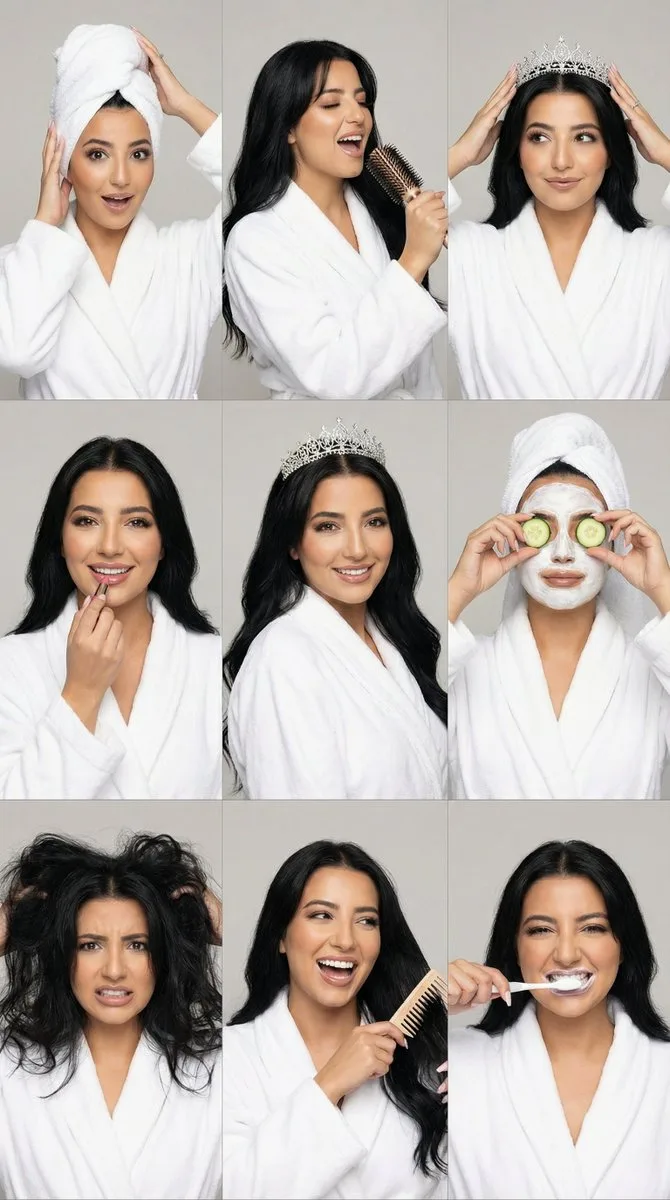
3x3 Realistic Beauty Photography Grid with Identity Lock
{ "generation_request": { "meta_data": { "tool": "NanoBanana Pro", "task_type": "photorealistic_multi_panel_grid", "version": "v1.0", "priority": "high" }, "references": { "character_reference_image": "UPLOAD_YOUR_CHARAC…
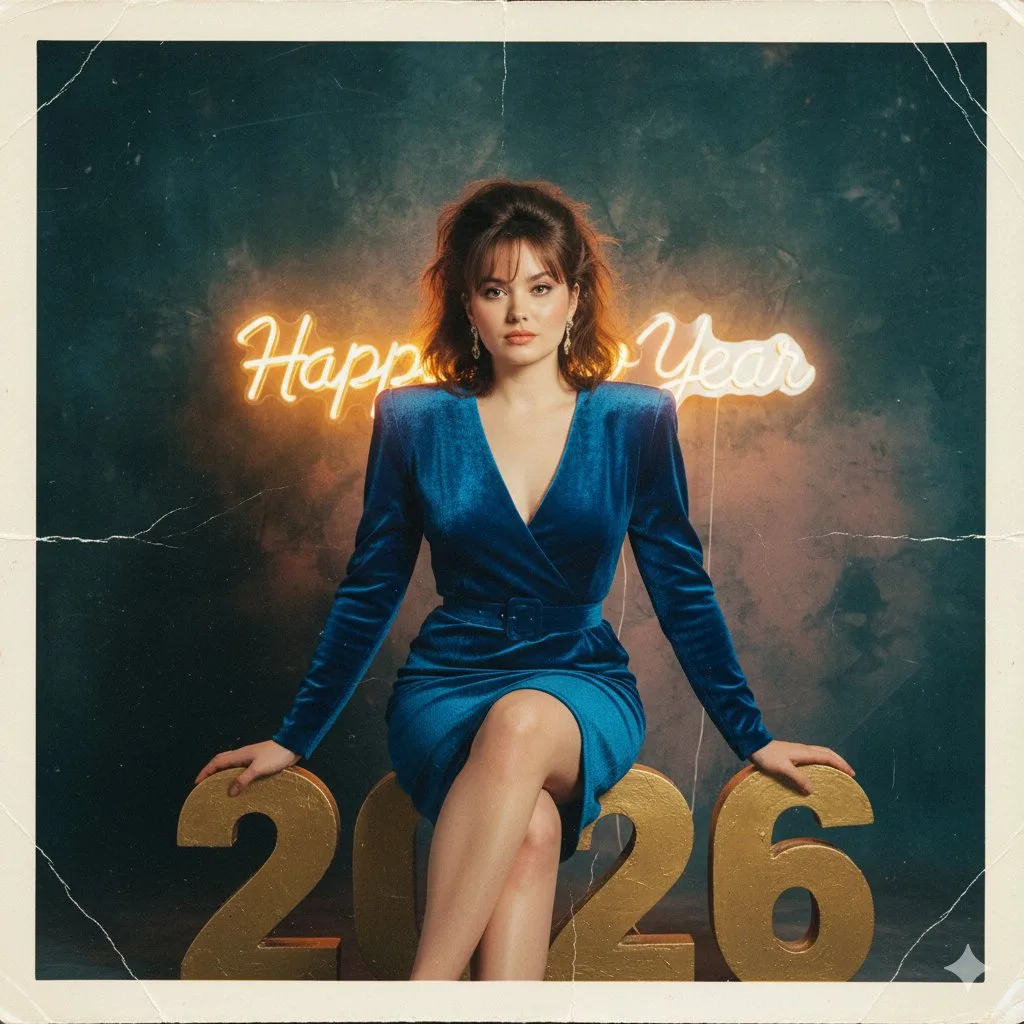
1980s Analog New Year's Eve Portrait Prompt
Initiate PersonaFusion-vX.03 protocol: Use the exact facial identity taken from the attached reference image (or from the user’s provided face) with zero alteration. A hyper-realistic 1980s analog photograph capturing th…
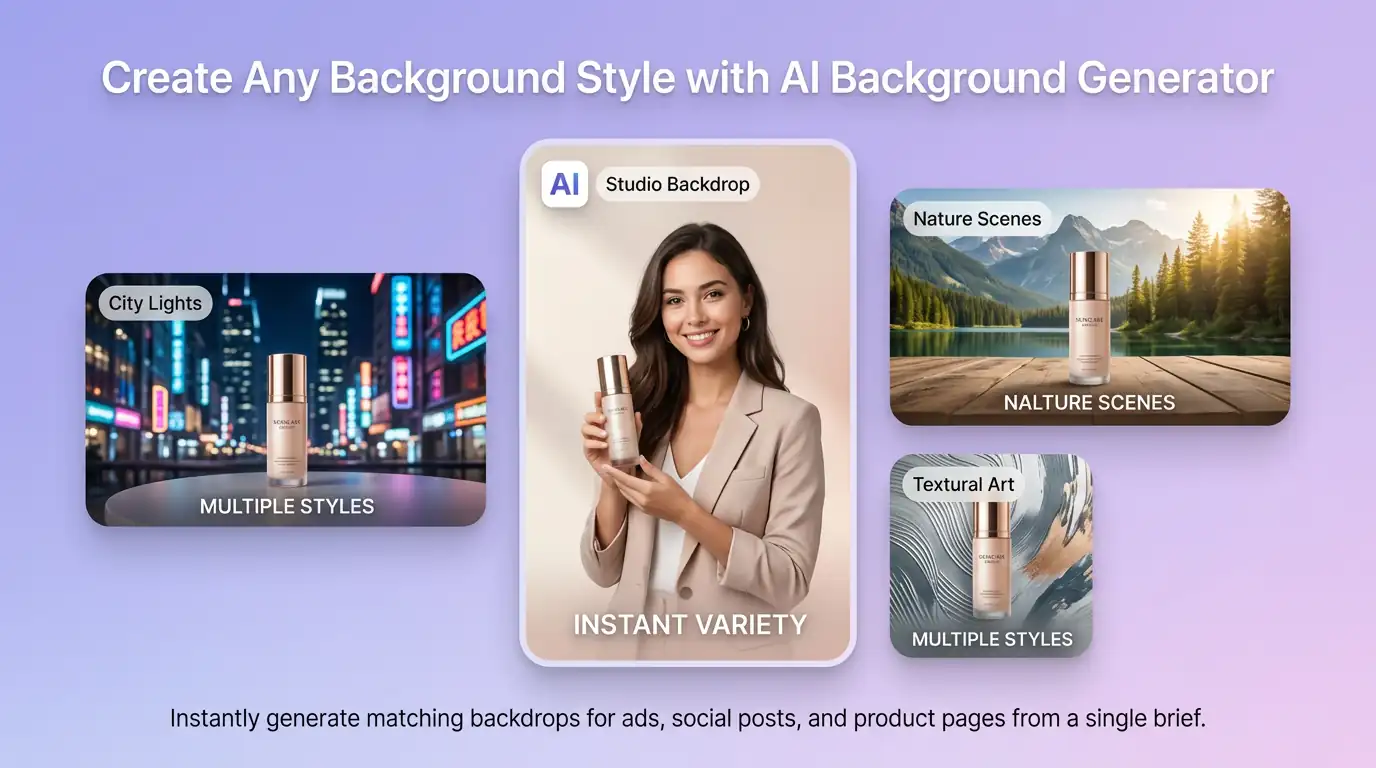
Create Any Background Style with AI Background Generator
AI background generator turns a short style brief into matching backdrops on demand: soft gradient studios, neon city nights, nature landscapes, abstract textures, or brand-color stages. It adapts lighting, color mood, and composition so creators, marketers, and designers can explore multiple directions without hunting stock photos.
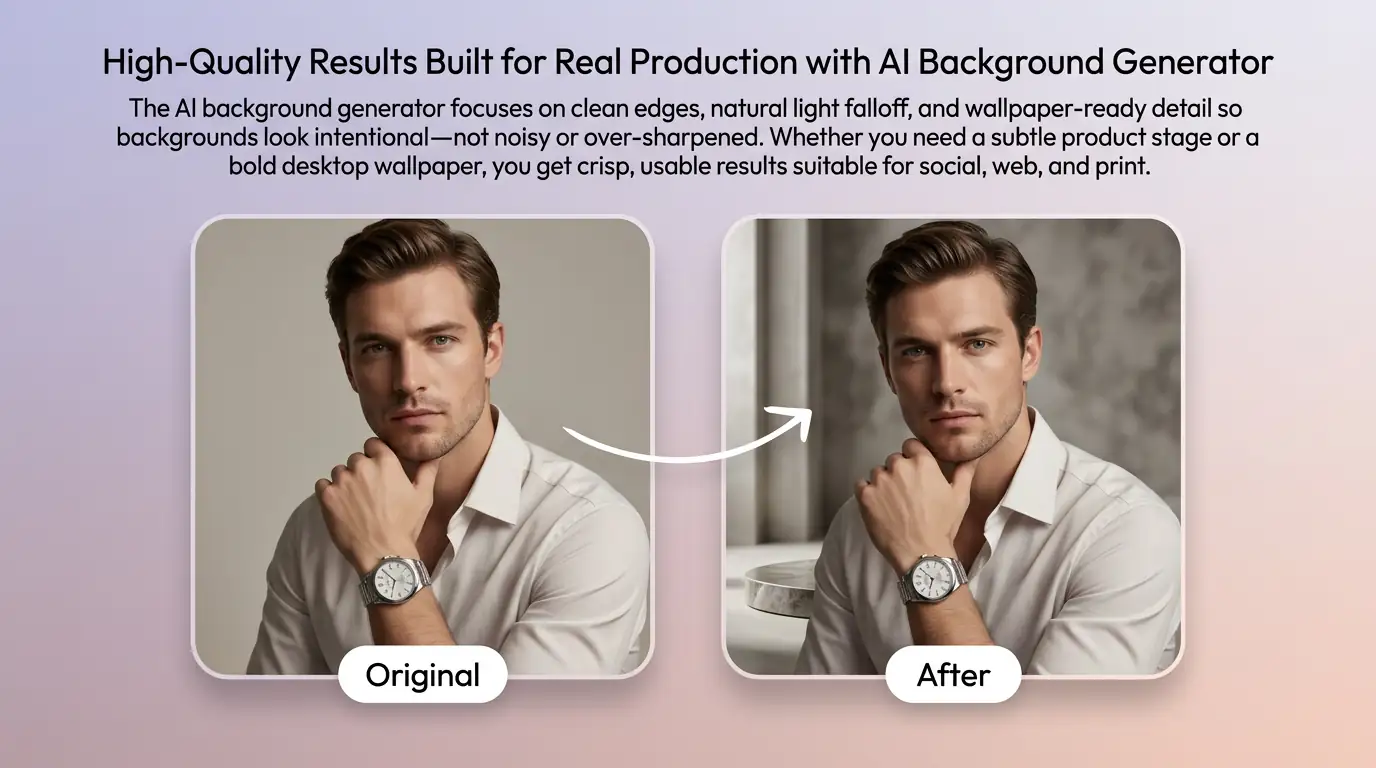
High-Quality Results Built for Real Production with AI Background Generator
The AI background generator focuses on clean edges, natural light falloff, and wallpaper-ready detail so backgrounds look intentional—not noisy or over-sharpened. Whether you need a subtle product stage or a bold desktop wallpaper, you get crisp, usable results suitable for social, ads, and presentation layouts.
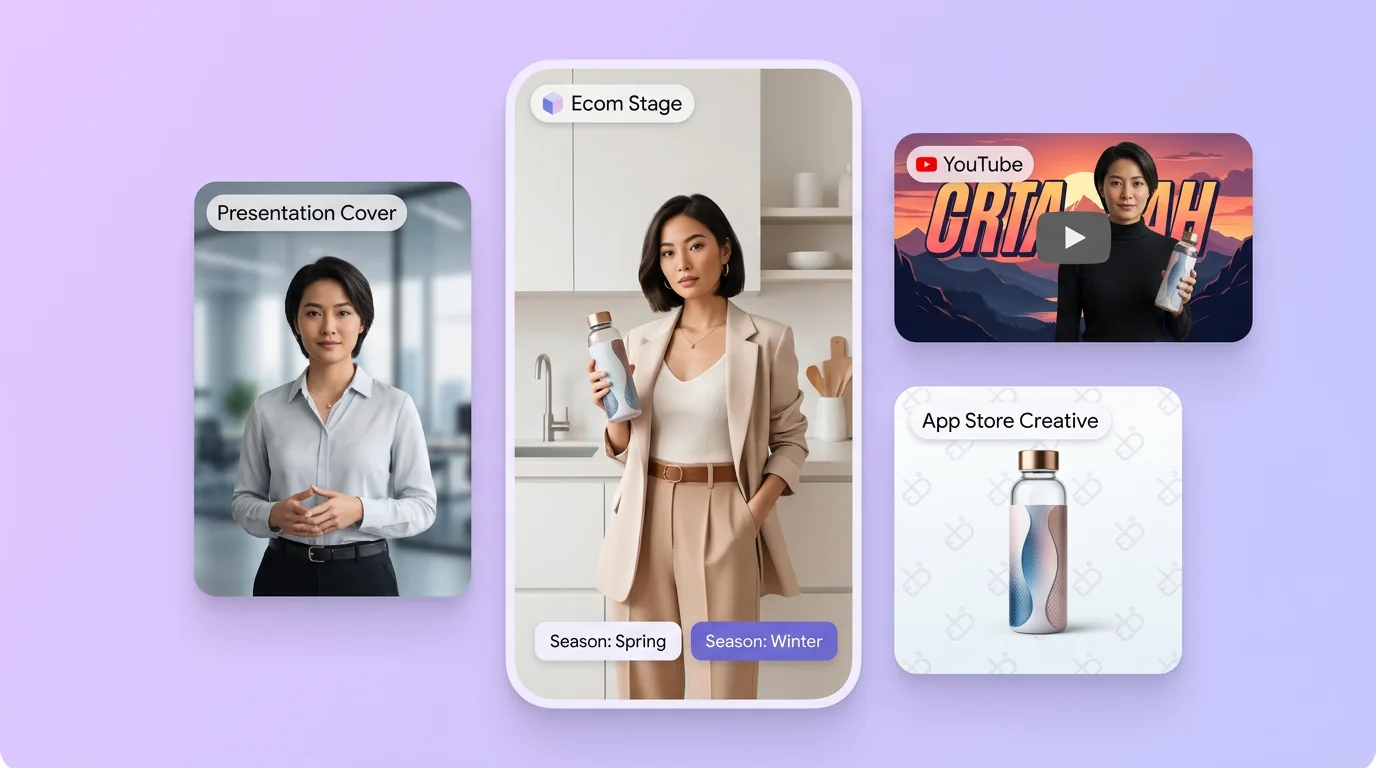
AI Background Generator for Products, Content, and Brand Campaigns
Use the AI background generator for ecommerce product stages, YouTube thumbnails, presentation covers, app store creatives, and branded wallpapers. Swap seasons, colors, or moods in minutes, keep subject focus consistent, and refresh creatives without reshoots—ideal for teams that ship content weekly.
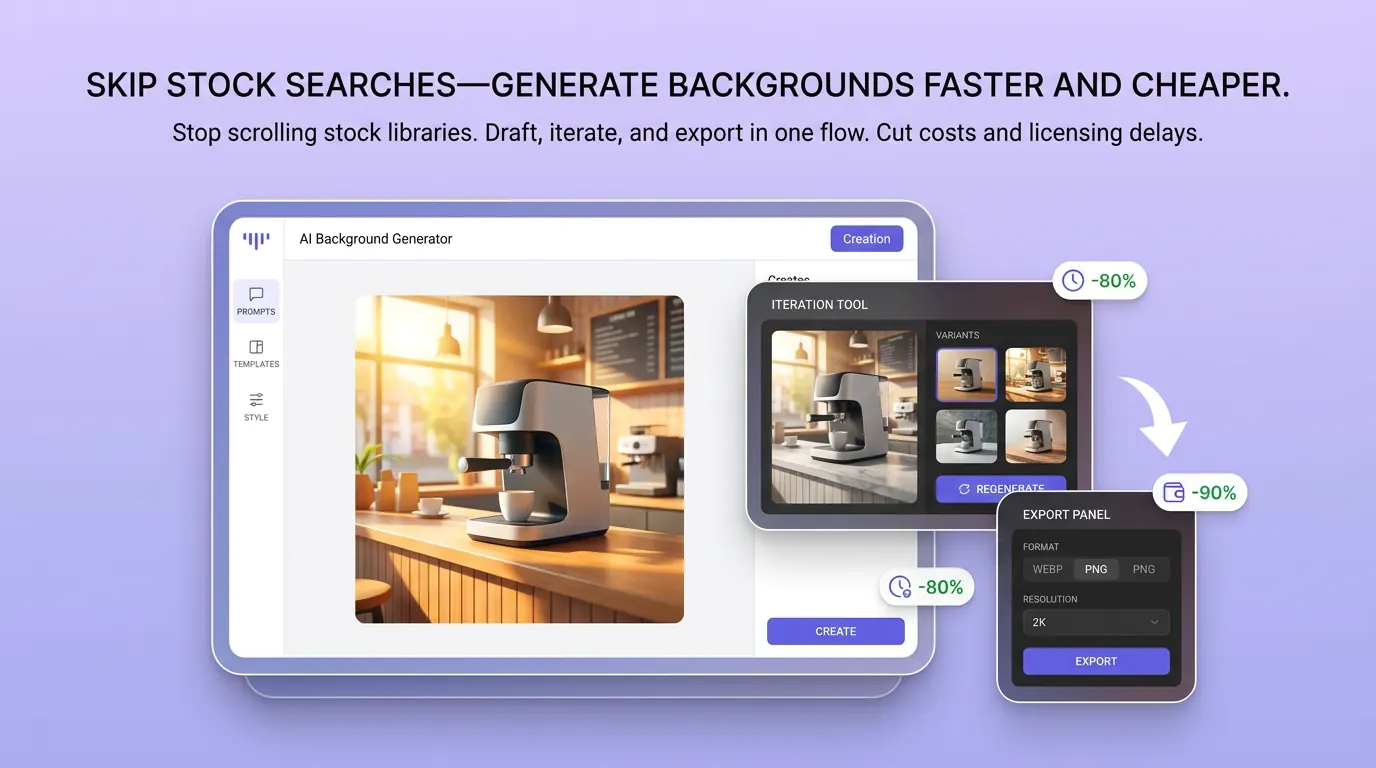
Skip Stock Searches—Generate Backgrounds Faster and Cheaper
Stop scrolling stock libraries for “almost right” images. With an AI background Generator to try online, you draft, iterate, and export in one flow. Cut licensing delays and designer back-and-forth while keeping a steady pipeline of custom wallpapers and scene backgrounds for campaigns.
How to Generate a Background with AI
01
Describe Your Idea
Enter a prompt describing the scene—e.g., “soft beige studio backdrop for skincare products” or “4K nature wallpaper, misty forest morning.”
02
Generate Concepts
Generate variations with the AI background generator, then refine style, lighting, or color until the backdrop matches your brand or wallpaper goal.
03
Download & Use
Download the background and use it as wallpaper, product stage, or creative asset—or keep iterating with an AI background generator workflow for more options.
Discover Other AI Image Generators
Explore more AI image generator tools for specialized creative workflows.
AI Background Generator FAQ
GET STARTED
Try Our AI Background Generator Now!
Create custom wallpapers and scene backgrounds in minutes. Generate the AI background generator and ship the next creative faster.