AI Face Generator for Original Character and Concept Faces
Describe an original face, expression, lighting, and style—or add an optional reference—to explore character faces, casting looks, avatars, and concept visuals.
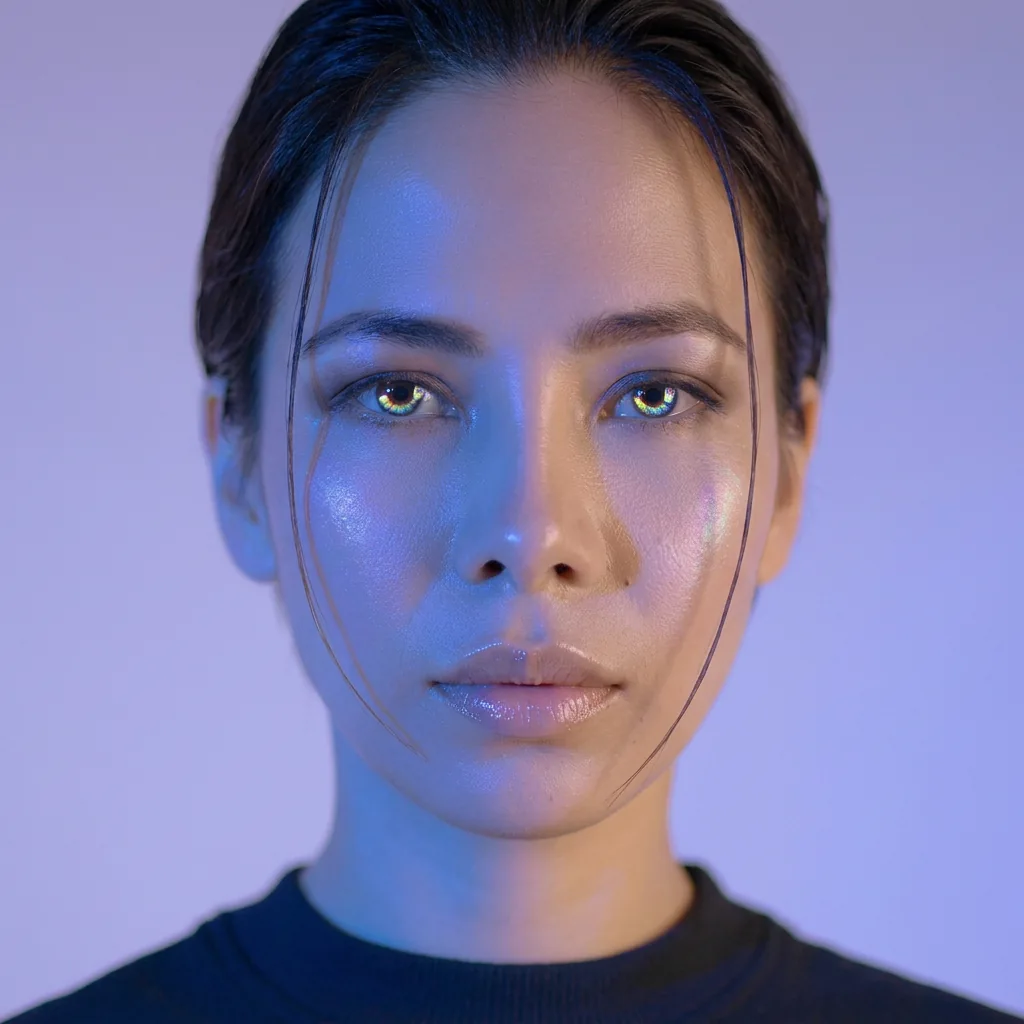
Create Realistic Faces Online with AI Face Generator
Use prompts or optional references to explore believable original faces for mockups, casting boards, game NPCs, and creative concepts. Refine lighting and expression before you generate.
Prompt examples for this use case
Browse curated image prompts that match this page intent. Open Canvas to continue with your own prompt—prefill only, no auto-generate.
Prompt examples are shown in English.
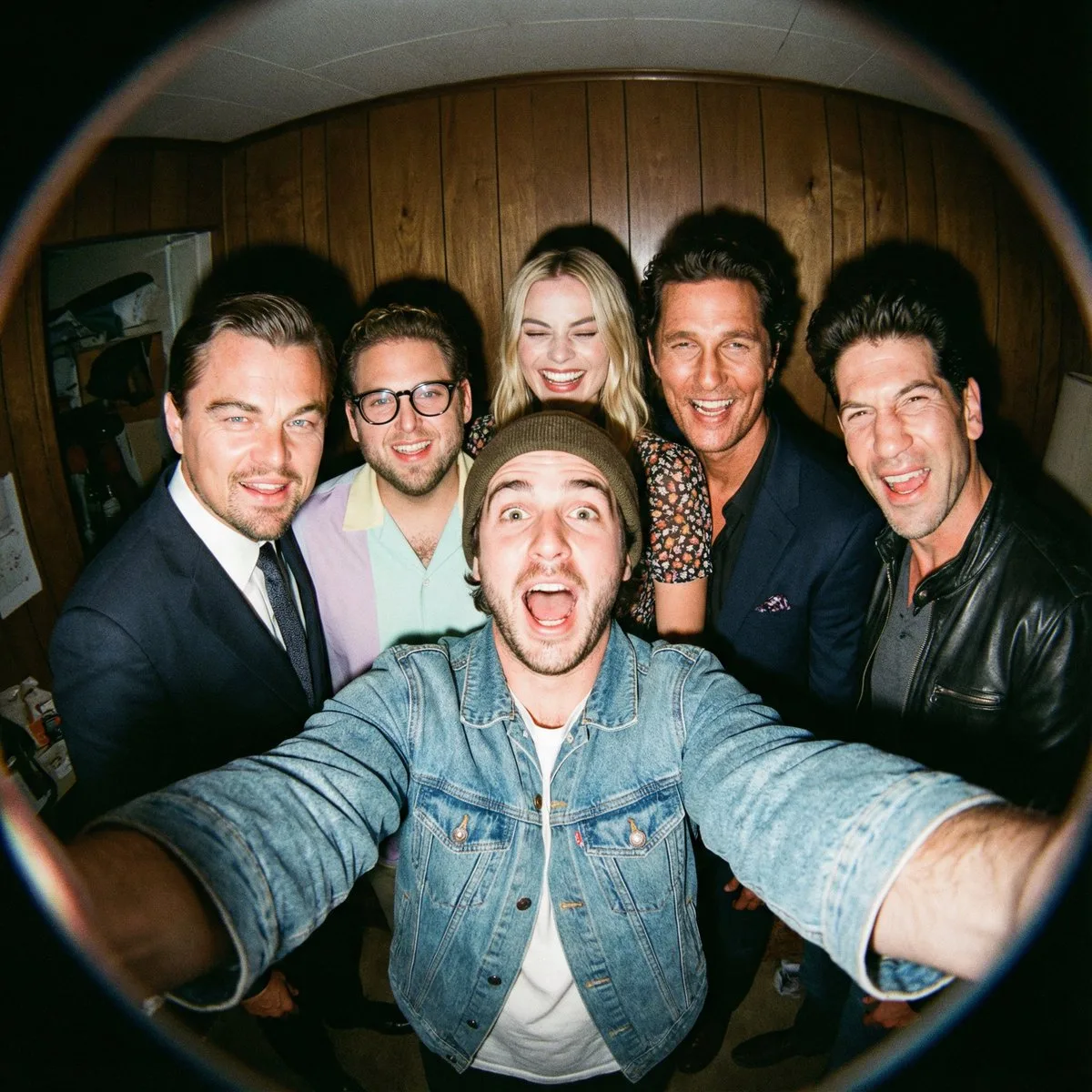
Fisheye Selfie with Movie Characters
A film-like fisheye wide-angle 360-degree selfie without any camera or phone visible in the subject’s hands. A real and exaggerated selfie of {argument name="person from uploaded image" default="person from uploaded imag…
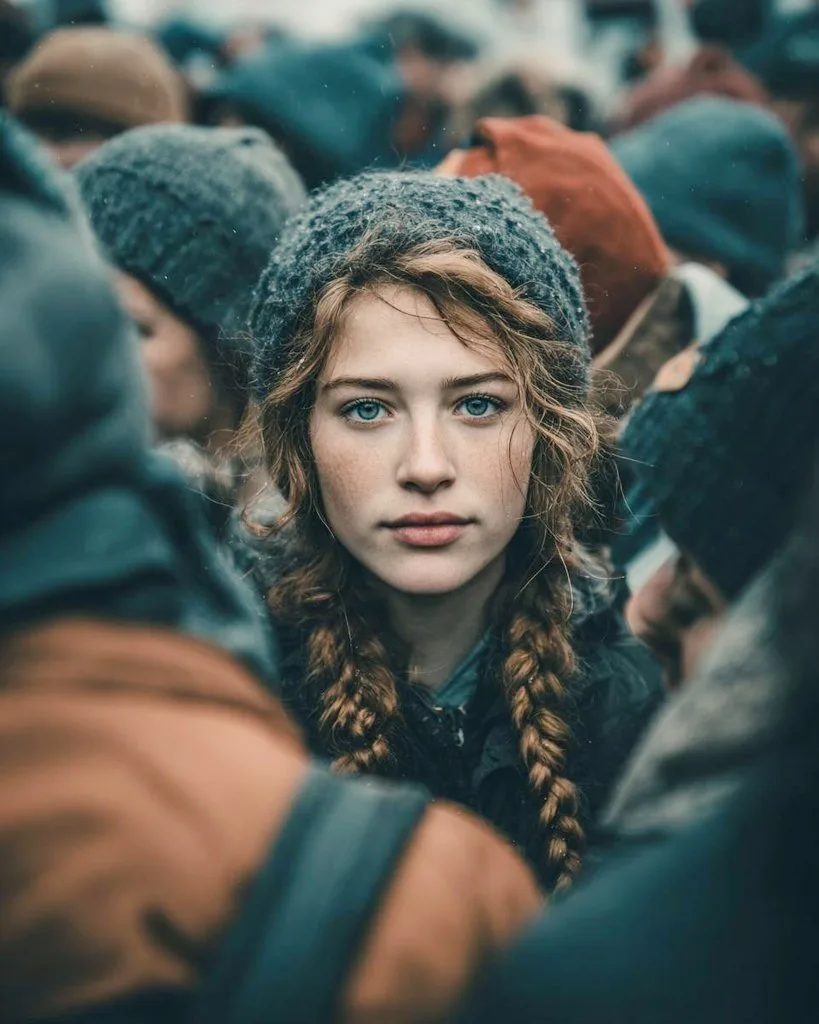
Cinematic Street Portrait Prompt for Nano Banana Pro
{ "Objective": "Create a cinematic, emotionally compelling Midjourney-style AI-generated street portrait with storytelling depth.", "Narrative": { "Theme": "Stillness within chaos", "Message": "In a crowd full of motion,…
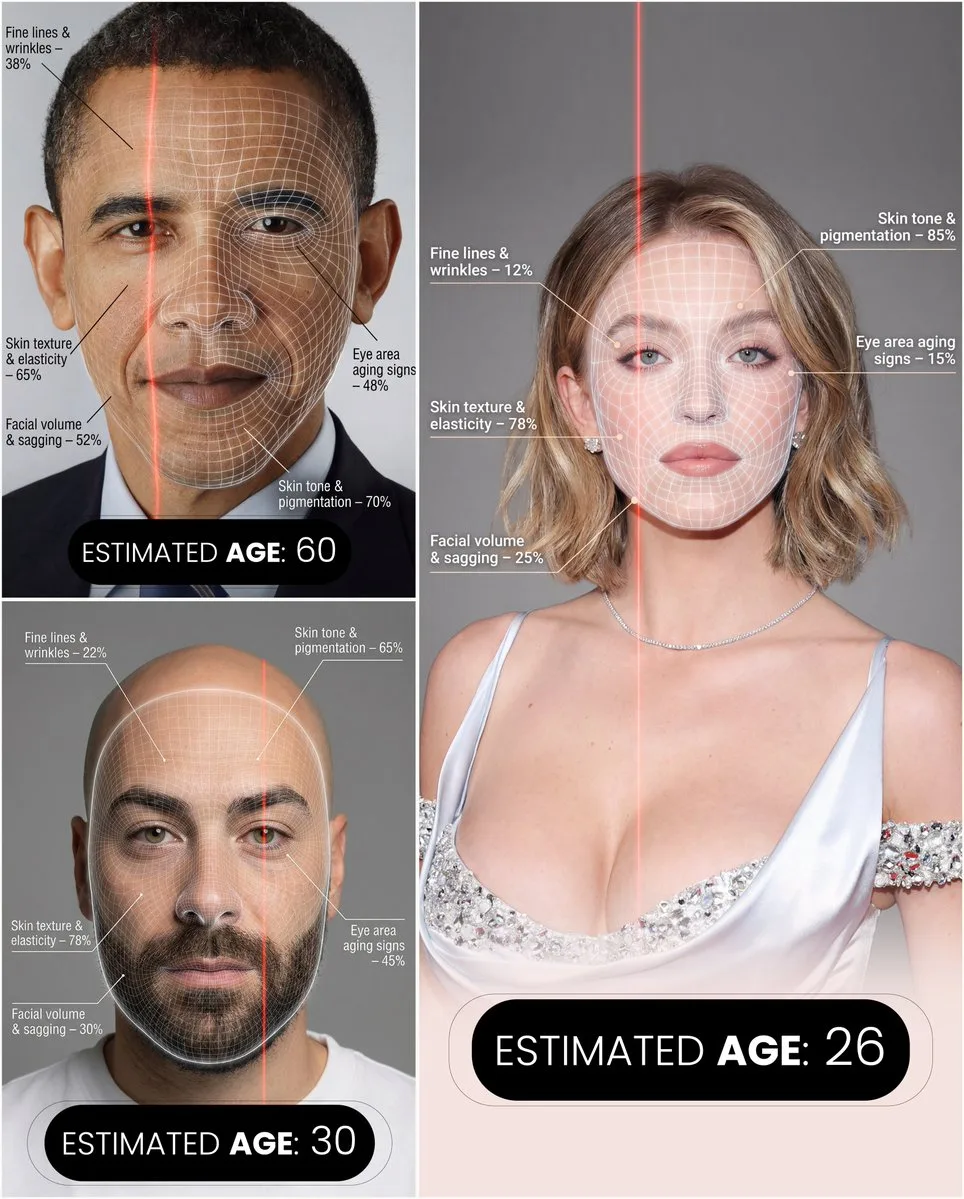
Futuristic Facial Age Detector Infographic
A hyper-realistic, high-resolution portrait infographic based on ({argument name="reference_photo" default="your photo"}). Keep the same person, identity, hairstyle, clothing and natural skin tone from ({argument name="r…
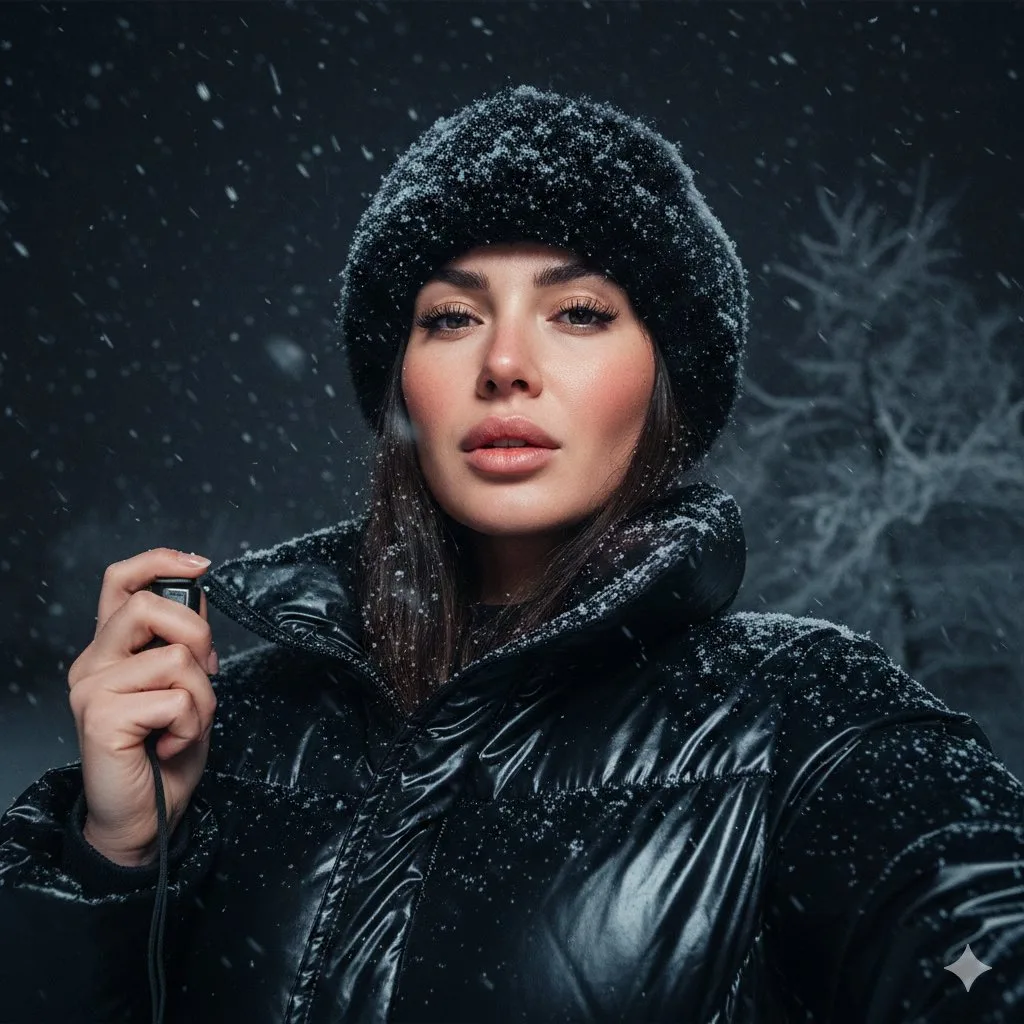
Detailed JSON Prompt for Cinematic Winter Selfie Portrait
{ "pose": { "description": "She holds the camera with her left hand, positioned slightly below eye level, capturing her face from a confident upward angle; lips softly parted, expression calm yet intense." }, "background…
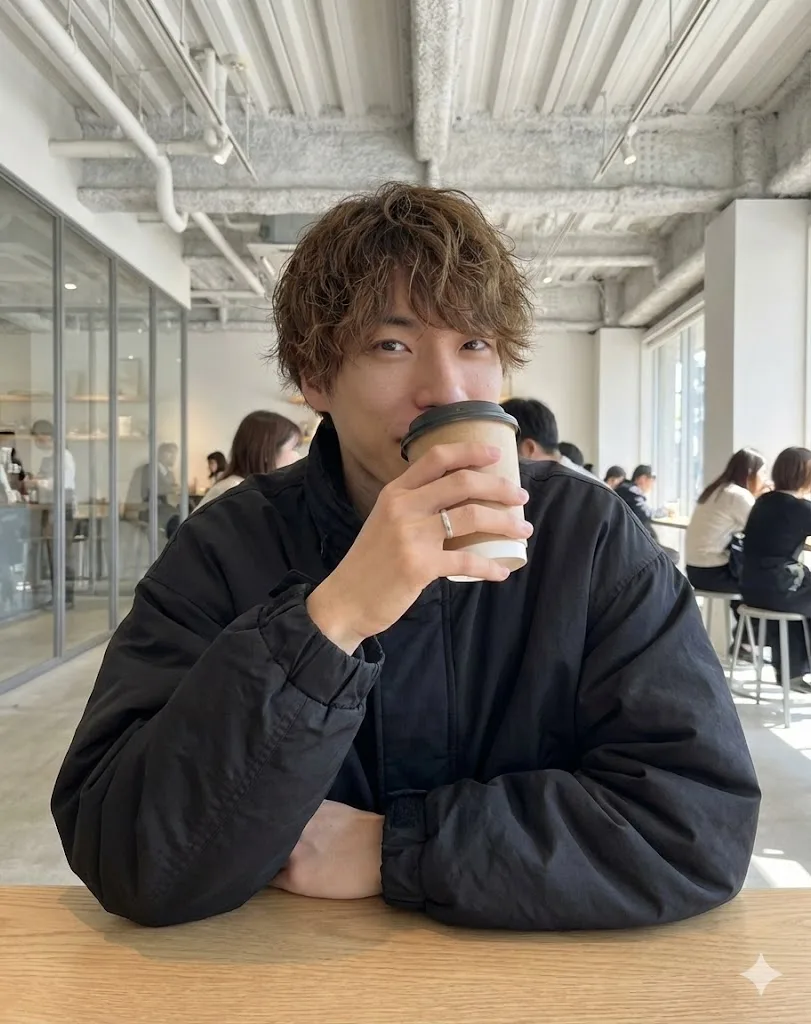
Cafe Date POV Profile Picture for Nano Banana Pro
{ "settings": { "aspect_ratio": "{argument name="アスペクト比" default="3:4"}", "resolution": "{argument name="解像度" default="8k"}", "quality_preset": "{argument name="クオリティプリセット" default="high quality"}", "style_emulation": "{…
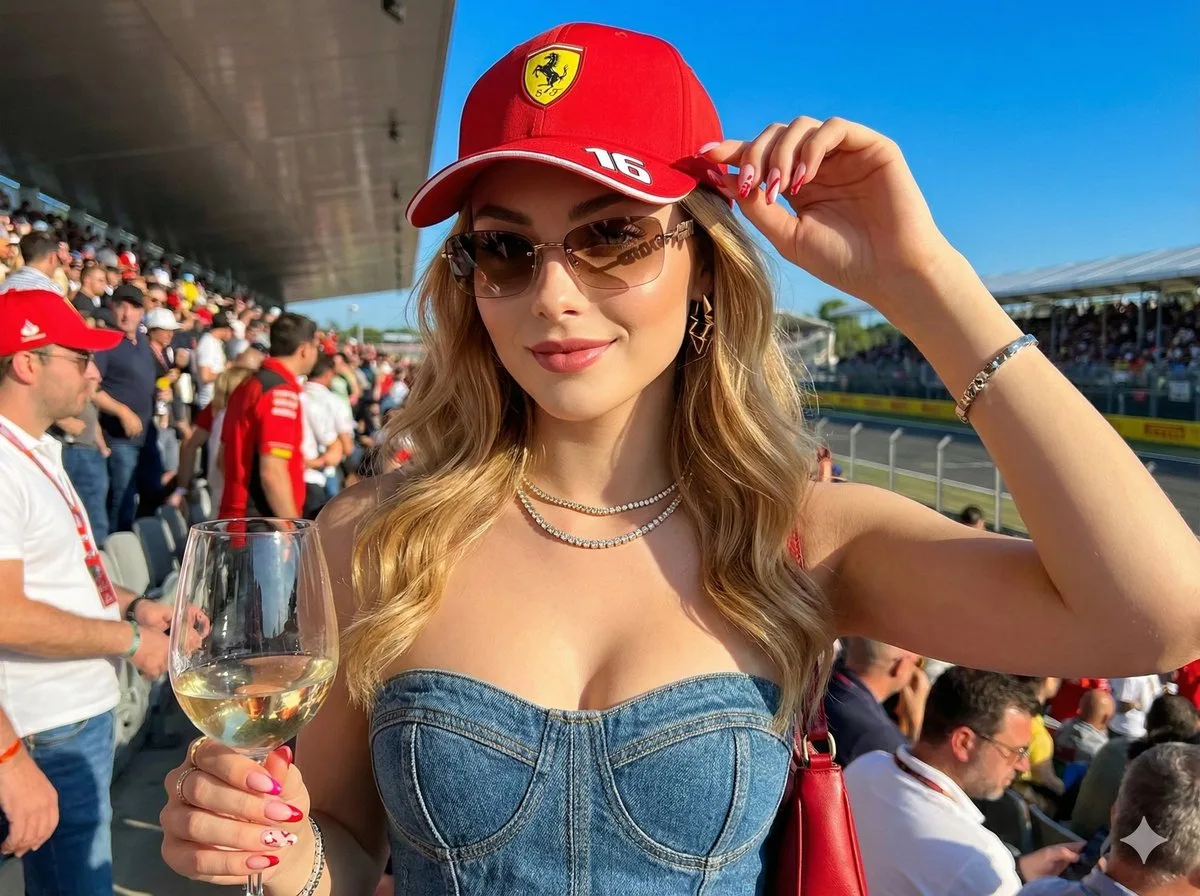
Ultra-Realistic F1 VIP Fan Selfie Edit
Create a hyper-realistic image in 8K resolution, keeping exactly my real face, features, skin color, eyes, and hair as per the reference image. I am the {argument name="subject_gender_role" default="woman"} in the photo;…
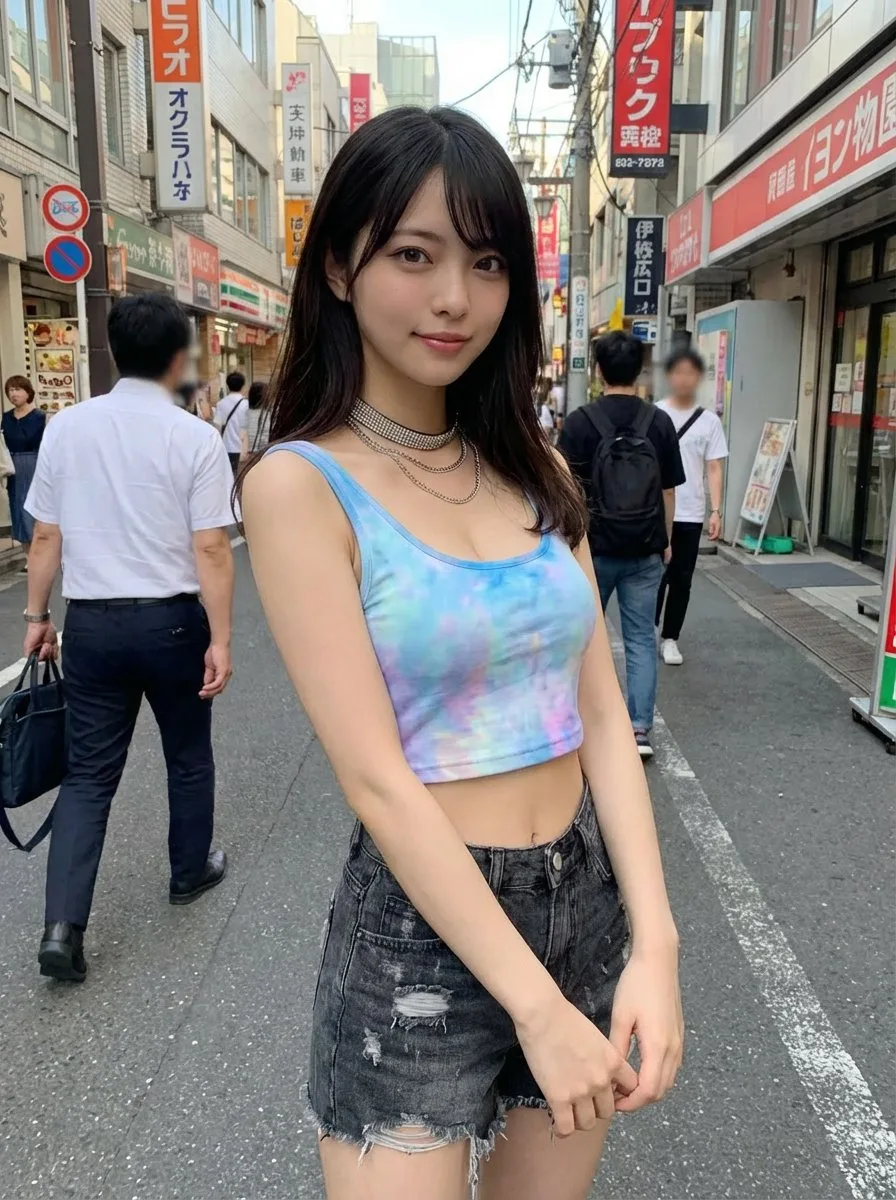
Virtual Clothing Try-On with Tokyo Street Option
Generate an image of the person from the uploaded reference image, keeping the face and hairstyle exactly as in the uploaded image. Dress the person in the clothing from the uploaded clothing image, preserving the style,…
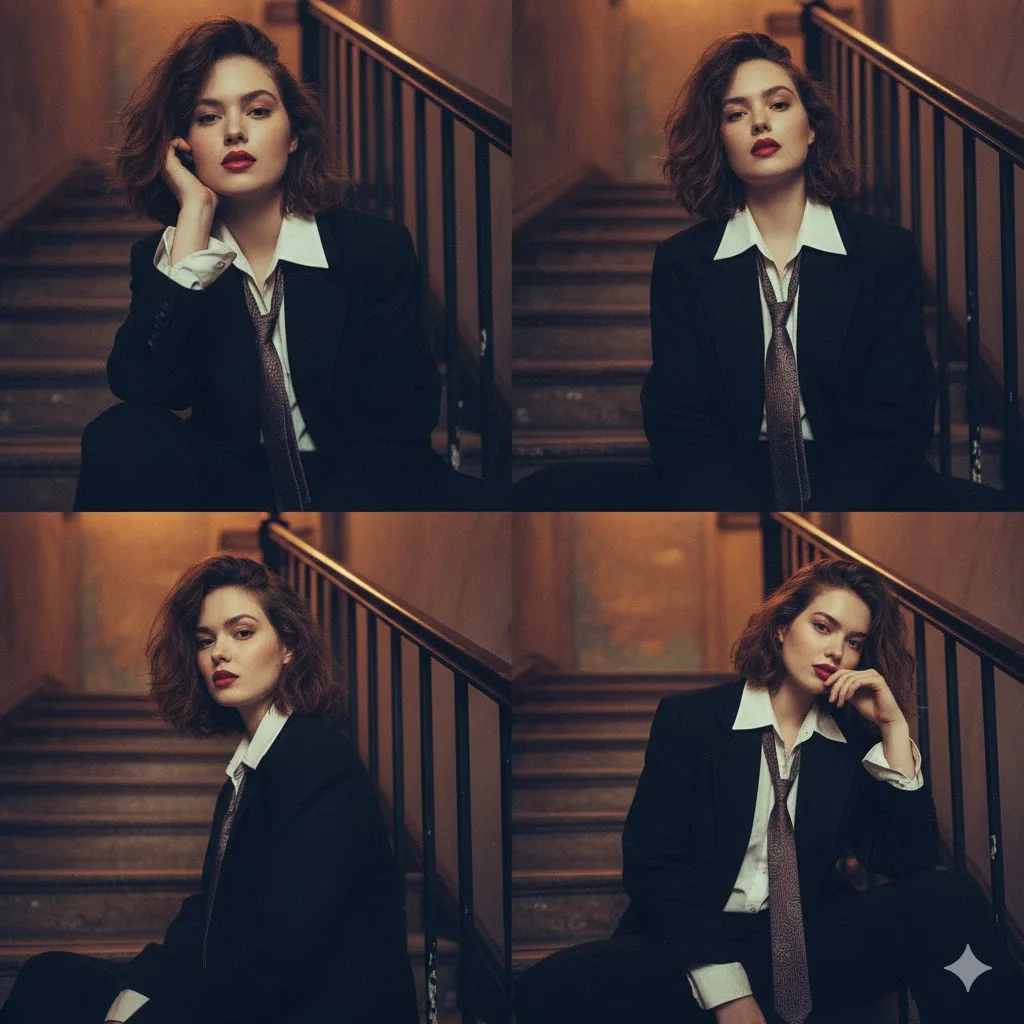
2x2 Moody Editorial Collage of Androgynous Woman
{ "image_description": { "overall_composition": "A moody, cinematic 2x2 collage featuring the same young woman", "subject": { "appearance": { "hair": "Short, tousled", "makeup": "Bold red lipstick", "style": "Striking, a…
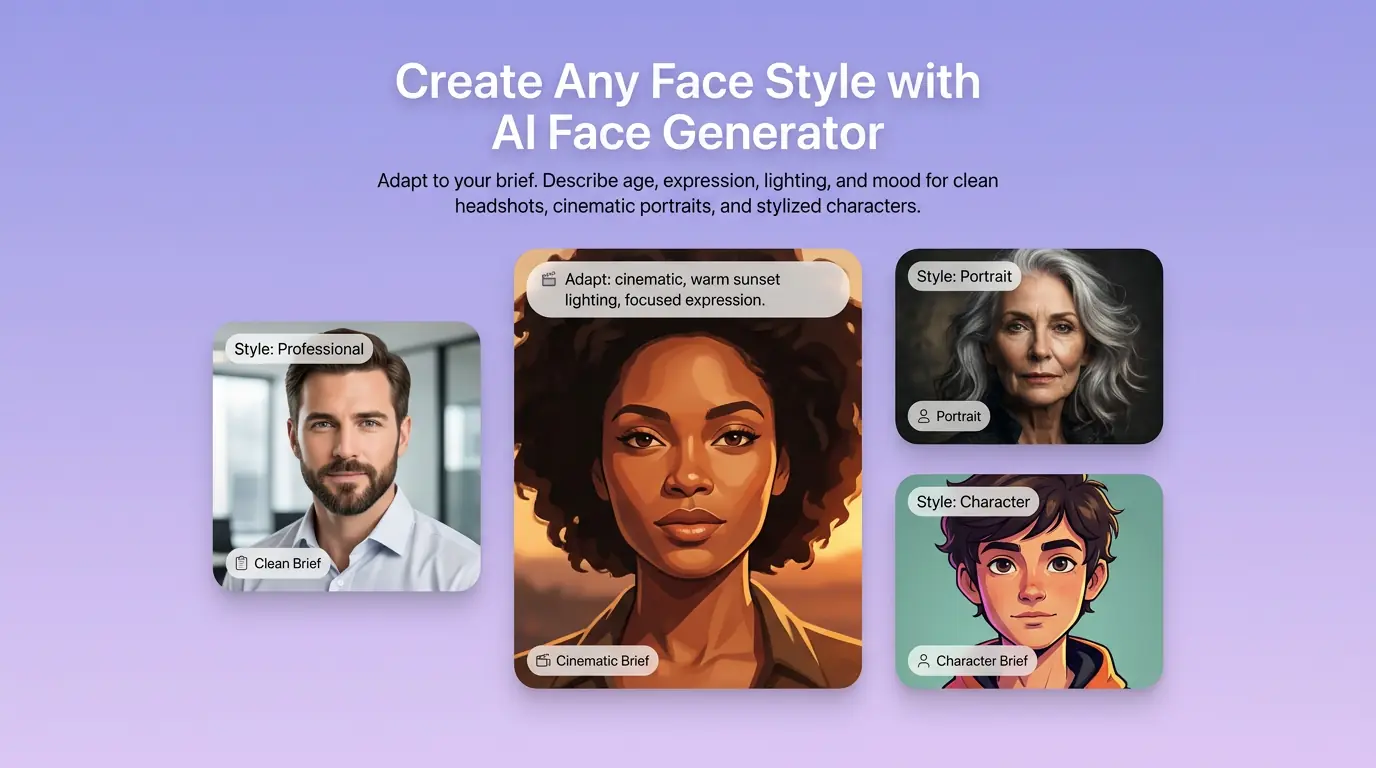
Explore Original Character Faces and Casting Looks
Describe age range, expression, lighting, and visual direction to explore original character faces and casting concepts. Use optional references to guide a creative brief without turning this page into a professional headshot workflow.
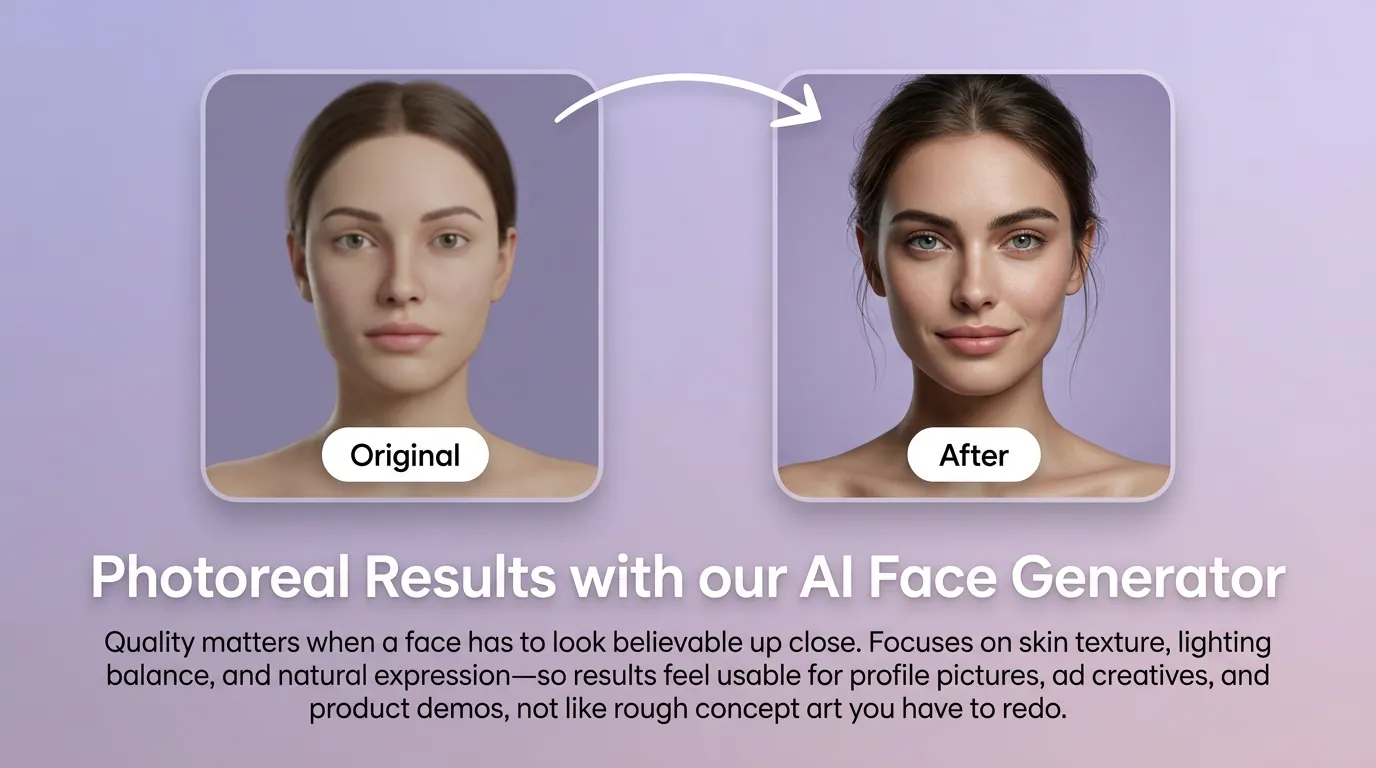
Refine Facial Detail for Creative Concepts
Iterate on skin texture, lighting, expression, and framing for believable concept art, app avatars, game NPCs, and campaign mockups. Keep prompts specific so each variation serves the creative direction.
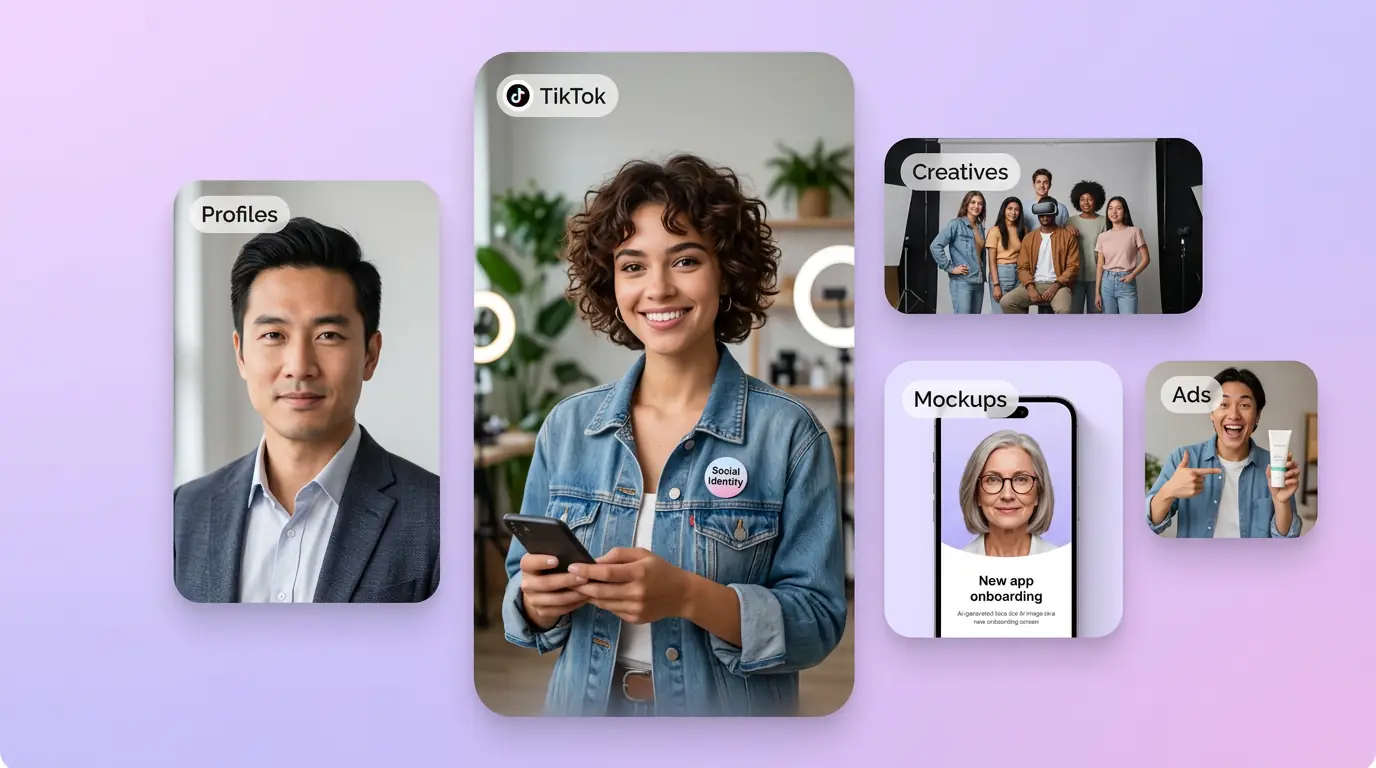
Build Faces for Avatars, Characters, and Mockups
Create face-focused visuals for fictional characters, product demos, casting boards, app onboarding, and social concepts. For LinkedIn, resume, or team-directory photos, use the AI Headshot Generator instead.
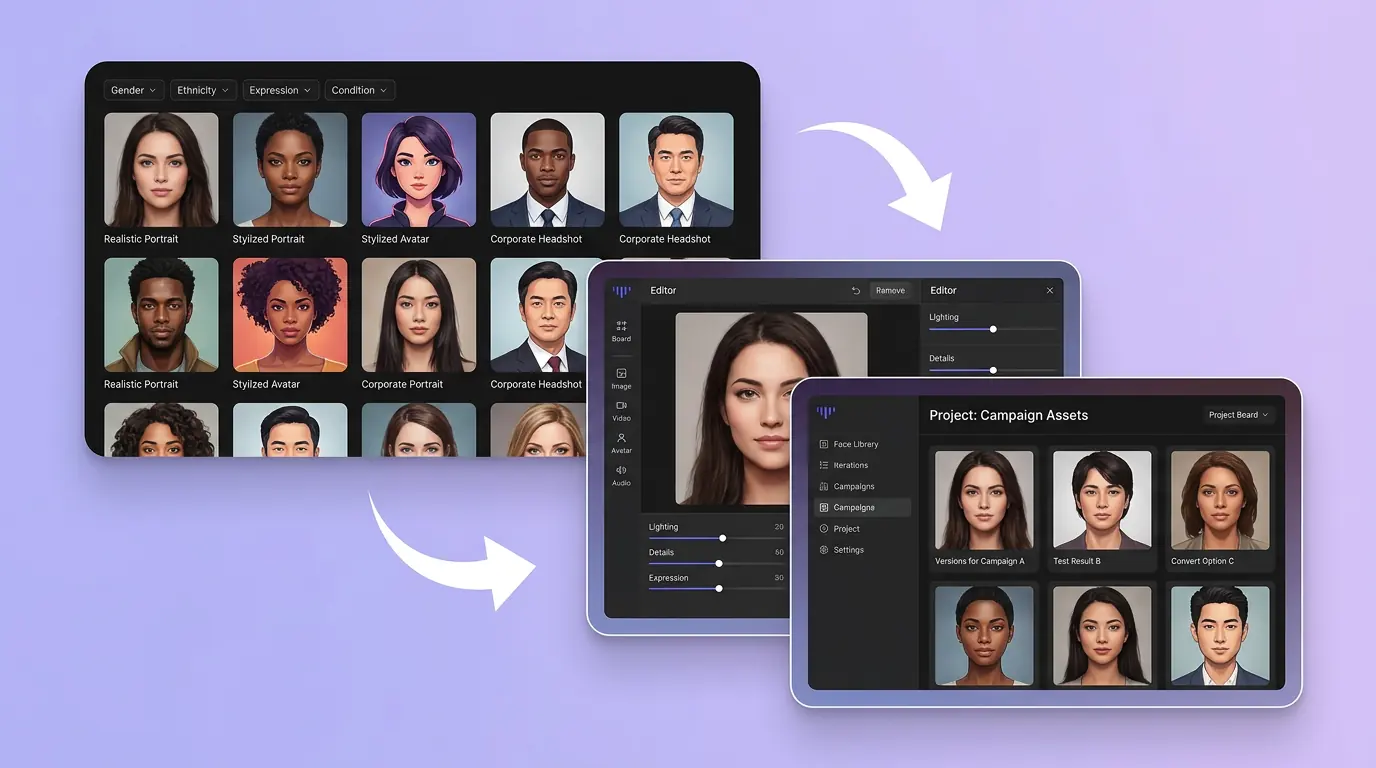
Iterate Face Concepts Without a Photoshoot
Test several facial directions from a brief, compare expressions and lighting, and keep the options that fit your project. This supports concept exploration rather than identity verification or professional profile photography.
How to Generate a Face with AI
01
Describe Your Idea
Describe age, expression, lighting, and style in a clear prompt—or upload a reference photo to guide the look.
02
Generate Concepts
Generate with AI and refine expression, skin tone, and portrait style until the face feels right.
03
Download & Use
Download your favorite result for profile pictures, ad creatives, app mockups, or social posts.
Discover Other AI Image Generators
Explore more AI image generator tools for specialized creative workflows.
AI Face Generator FAQ
GET STARTED
AI Face Generator
Create original character faces and face-focused concepts from a prompt or optional reference, then refine the direction in Canvas.