Topview
    • MCP/Skill
    • Plugin
    • API
    • Pricing
    1. Home
    2. AI Video Generator
    3. Anime Video

    AI Ads

    AI Video AgentAI Ads VideoAI Product VideoAI UGC VideoURL to Video

    AI Avatar

    AI Avatar GeneratorProduct AvatarDesign My AvatarAI Lip Sync

    AI Video

    AI Video GeneratorDrama StudioAI Video Body SwapAI Video UpscalerAI Video Watermark RemoverTikTok Watermark RemoverSora Watermark RemoverSubtitle RemoverAI Motion ControlAI Lip SyncURL to Video

    AI Image

    AI Image GeneratorAI Face SwapAI Image Character SwapAI Image UpscalerAI InpaintAI Image Text EditorPhoto Angle EditorAI RelightingAI Product PhotographyAI Virtual Try-OnAI Storyboard GeneratorExtract Color PaletteImage to Prompt

    AI Voice

    VoiceoverAI Voice CloningAI Music Generator

    3D

    3D World Generator3D Shot Composer

    Use Cases

    AdvertisingAffiliate MarketingEcommerceDTC BrandsAI Live Stream

    Resources

    BlogAffiliate ProgramLearning CenterAlternativeAPI

    Company

    Topview StudioPrivacy PolicyTerms
    Topview

    © 2026 TOPVIEW PTE. LTD.

    Singapore: 20 Collyer Quay #20-03, Singapore 049319
    Los Angeles: 15970 Los Serranos CC Dr #251, Chino Hills, CA 91709

    AI Tool for Low-Cost, High-Quality Anime Clips

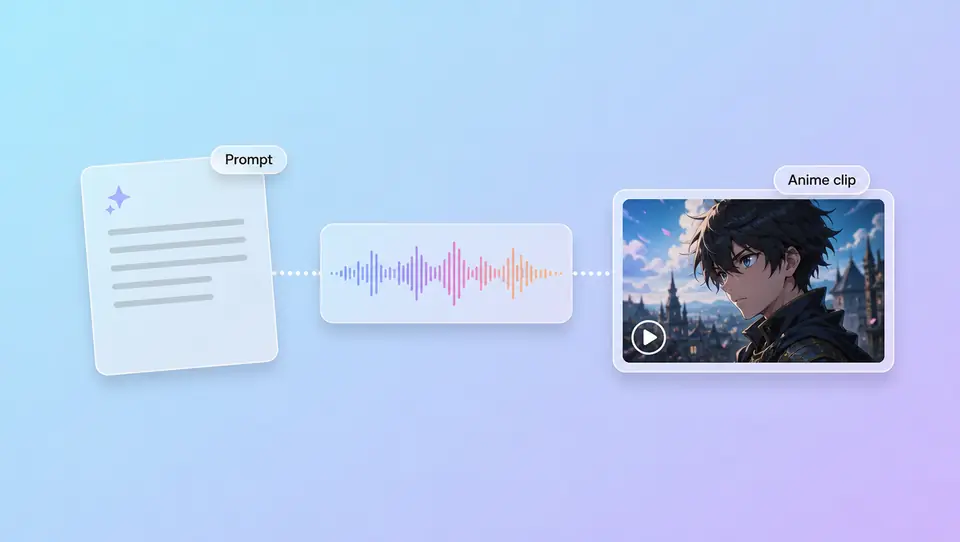
    An AI tool for low-cost, high-quality anime shorts—write a scene prompt or upload a character still to anchor the look. Topview supports text, images, video, or audio; try a sample with free credits without a frame team. Style lives in your prompt—refine in Canvas.

    Ask Topview to

    Match a Reference, Then Write Your Aesthetic

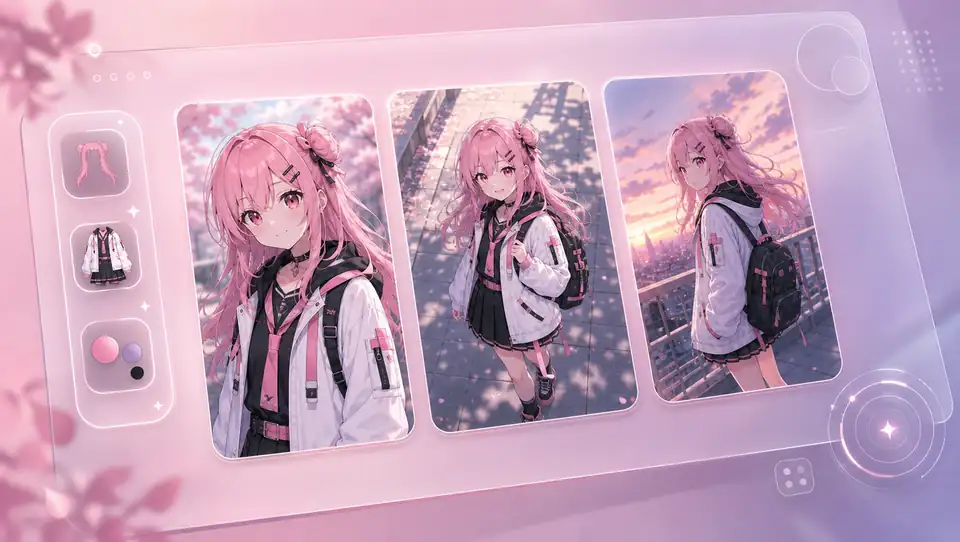
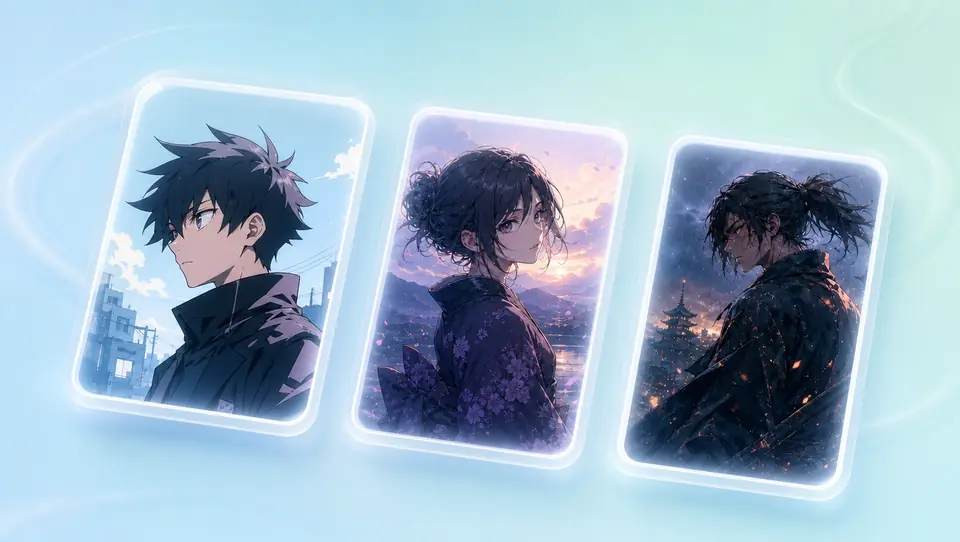
    Review TV-anime, illustration, and cinematic anime samples before you prompt—lock mood, camera feel, and palette in words. Topview has no locked anime preset library; references set direction, not one-click templates.

    TV Anime Style with AI Anime Video Generator

    Shows TV-anime cel shading and broadcast pacing. Write scene, mood, and camera notes in your prompt for Japanese-animation shorts.

    Illustration-Style Anime from Your Prompt

    Illustration-style anime with softer shading and painterly backgrounds. Describe palette, composition, and character mood in your AI anime video prompt.

    Cinematic Anime Shots for Short Clips

    Film-like anime framing with depth, lighting, and dramatic camera moves. Write cinematic mood, lens feel, and action beats in your prompt.

    Script in Text, Character Anchored in a Still

    Write scene, mood, and camera notes and generate anime-style shots—or upload a character still to hold face and outfit, then add action and background. Audio or video references optional—both paths live in the same AI Video workflow.
    Style Lives in Your Prompt—No Anime Preset Switch

    Cel-shaded, illustration, cinematic—spell mood, camera feel, and pacing in your prompt so generations stay on-style. Topview has no separate “anime mode” toggle; you describe the look, not pick a competitor-style preset library.

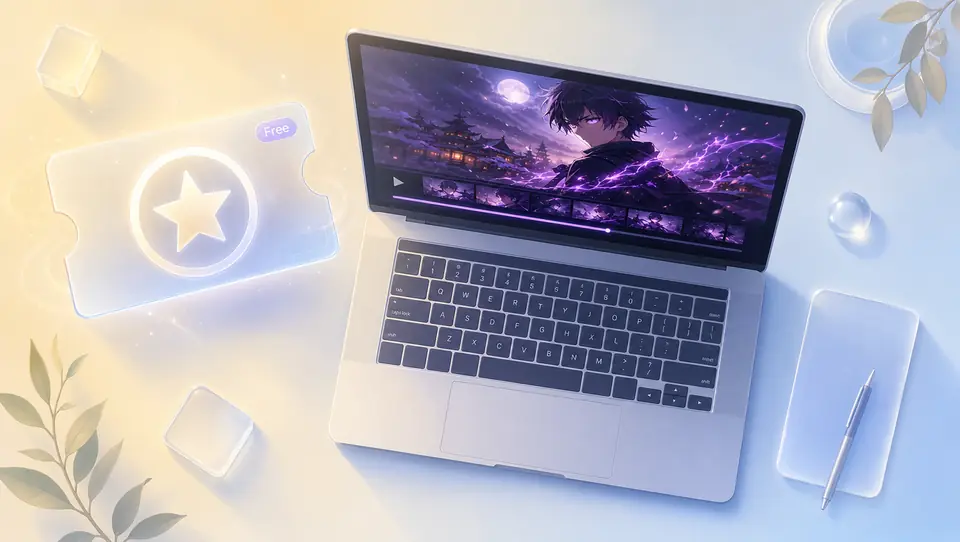
    Try Low-Cost First: Free Credits to Validate the Look

    Use free credits on a short sample to validate look and character direction before longer sequences. Credits are limited; upgrade when you need more—not unlimited free.

    Fewer Drifts Across Shots: Lock Hair, Outfit, and Palette

    Repeat hair, outfit, and palette descriptors across shots and pair them with the same character still reference. Topview does not promise 100% face consistency—iterate the prompt or refine in Canvas when a clip drifts.

    3 Steps to Your First Anime-Style Clip

    1. 1

      Describe the anime scene in text. Optionally add a character still, reference clip, or audio to anchor look and pacing.

    2. 2

      Pick aspect ratio, duration, and resolution for your channel. Keep style, mood, and camera notes in the prompt—not a locked preset.

    3. 3

      Download when the sample is ready to post. Drift in look or character? Change the prompt, swap the still, or open Canvas.

    FAQs

    It creates anime-style shorts from text or character stills—ship a sample without a frame-by-frame team. Fits teasers, social clips, and concept tests—not a full anime-series pipeline.

    Yes. Start with free credits on a short sample to validate the look. Credits are limited; upgrade when you need more—not unlimited free.

    Text-to-anime: write scene, mood, and camera notes and generate. Image-to-anime: upload a still to anchor appearance, then add action and background. Audio or video references optional—Topview is not a frame-by-frame studio workflow.

    Guide mood, camera feel, and pacing in your prompt, then set ratio, duration, and resolution. No locked anime preset switch—style is prompt-led.

    Use this page for Japanese-animation aesthetics. Use the cartoon video page for kids explainers, brand mascots, or broader cartoon looks.

    Identity can drift across shots. Lock hair, outfit, and palette in your prompt and pair with the same character still. Topview does not promise 100% face consistency—iterate or refine in Canvas.

    No. Do not recreate official IP, copyrighted characters, or third-party works. Use original characters and assets you own.

    Try Your First Low-Cost, High-Quality Anime Clip Today

    Try free—low-cost, high-quality anime shorts: scene prompt or character still, four inputs, one sample clip. Change the prompt or open Canvas if the look drifts.

    Ship your first clip