Topview
    • MCP/Skill
    • Plugin
    • API
    • Pricing
    1. Home
    2. AI Video Generator
    3. Music Video

    AI Ads

    AI Video AgentAI Ads VideoAI Product VideoAI UGC VideoURL to Video

    AI Avatar

    AI Avatar GeneratorProduct AvatarDesign My AvatarAI Lip Sync

    AI Video

    AI Video GeneratorDrama StudioAI Video Body SwapAI Video UpscalerAI Video Watermark RemoverTikTok Watermark RemoverSora Watermark RemoverSubtitle RemoverAI Motion ControlAI Lip SyncURL to Video

    AI Image

    AI Image GeneratorAI Face SwapAI Image Character SwapAI Image UpscalerAI InpaintAI Image Text EditorPhoto Angle EditorAI RelightingAI Product PhotographyAI Virtual Try-OnAI Storyboard GeneratorExtract Color PaletteImage to Prompt

    AI Voice

    VoiceoverAI Voice CloningAI Music Generator

    3D

    3D World Generator3D Shot Composer

    Use Cases

    AdvertisingAffiliate MarketingEcommerceDTC BrandsAI Live Stream

    Resources

    BlogAffiliate ProgramLearning CenterAlternativeAPI

    Company

    Topview StudioPrivacy PolicyTerms
    Topview

    © 2026 TOPVIEW PTE. LTD.

    Singapore: 20 Collyer Quay #20-03, Singapore 049319
    Los Angeles: 15970 Los Serranos CC Dr #251, Chino Hills, CA 91709

    AI Music Video Generator: Ship a Publishable MV the Day the Track Is Done

    The song is finished—do not stall the visuals. No director wait, no shoot invoice, and no audio-only, waveform, or bedroom-selfie release. Upload the track, write the look you want, set YouTube, TikTok, or Reels ratio, duration, and resolution, and generate the first cut. Then open Canvas and refine until it is ready to post.

    Ask Topview to

    Same Song, Iterate Until the Look Fits the Track

    Do not lock one direction on a shoot. Browse lyric-style bold type, cinematic light, and vertical cuts on the wall—change the prompt and generate again, see which version posts better, then lock the official cut.

    Lyric Look: Bold Type That Owns the Frame

    Put stage light and bold type in your prompt, then use this AI music video generator from MP3 for a first lyric-style cut—you decide the on-screen lines.

    Cinematic MV: Landscape Full-Length Texture

    Write story lighting into the prompt and generate a cinematic MV from the same track—ready for YouTube landscape or a longer teaser.

    Vertical Cuts: TikTok and Reels Hooks

    Swap the same song to a 9:16 vertical cut—no second shoot. Generate again at TikTok or Reels ratio.

    Lyric-Style Visuals Ready on Release Day

    Short-form watches the frame before the song; YouTube also needs a sing-along, searchable look. Put stage light and bold type in the prompt and generate a first lyric-style cut the way an AI lyric video generator would—you write the on-screen lines and claim the visual slot.

    Landscape Full-Length and Vertical Hooks, Each as Its Own Cut

    YouTube wants landscape full-length; TikTok wants a vertical hook. One ratio rarely covers both. Write story lighting into the prompt, set duration, and generate a cinematic cut you can post; need the other ratio, generate again.

    Do Not Ship Audio-Only—Let People See the Song

    A spinning cover, a waveform loop, or a phone selfie reads like you skipped the visual pass. Use this AI music video maker: upload the MP3, write the look, add a reference still if you have one, set channel specs, and generate a clip people can actually watch and post.
    AI Music Video Generator from Audio

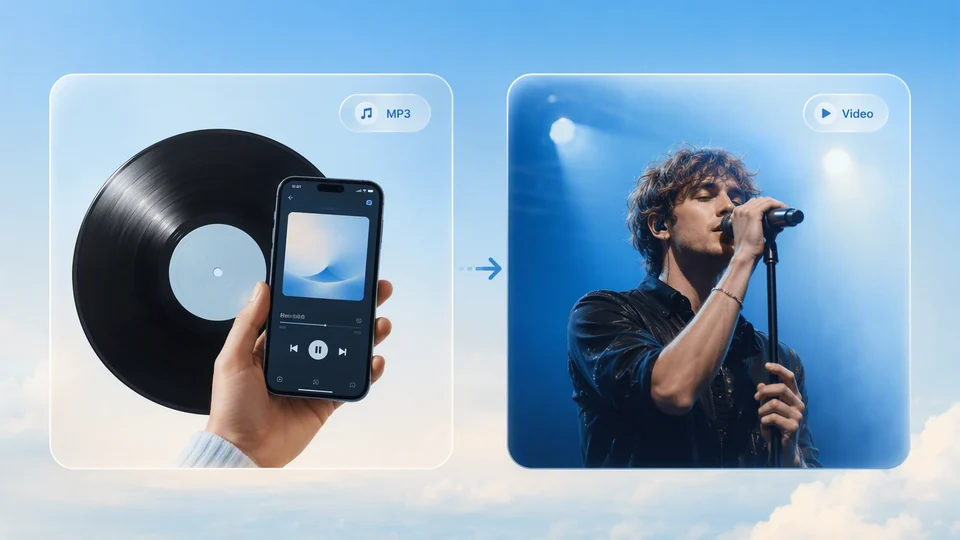
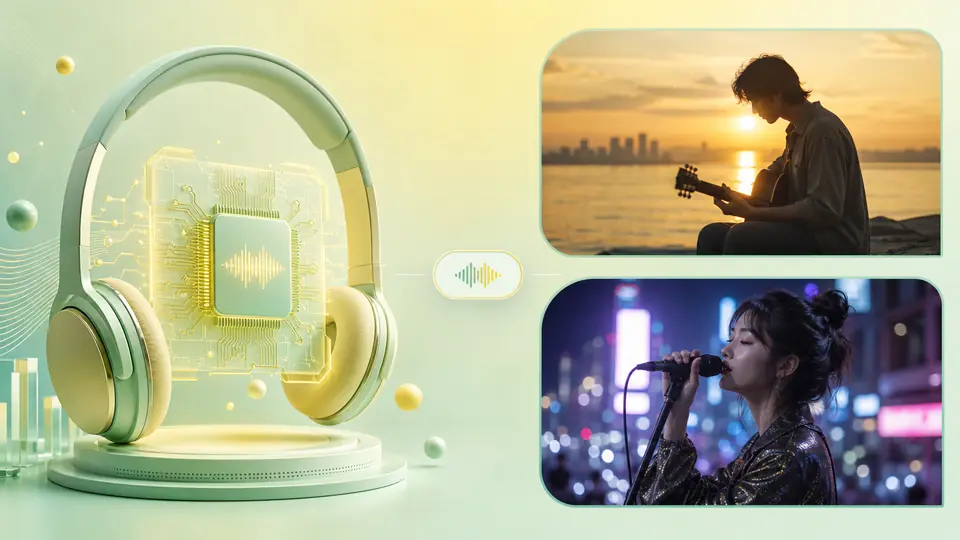
    Suno, Udio, or your own MP3 is ready, but the visual is still empty? Upload the finished track and describe the look—this is the usual path for an AI music video generator from audio, and for a music video AI generator. No crew, and no full-track timeline to assemble.

    Free from MP3: Check the Look Before You Scale

    Even if this song is not earning yet, it is worth seeing whether the picture fits the track. A free AI music video generator from MP3 lets you test direction on a short sample with free credits. Looking for a free full-length AI music video generator workflow? Scale to channel specs when the look is right.

    Pick a Tool That Can Actually Ship

    The best AI music video generator is not the loudest name. It is whether the finished track can generate again and again, whether landscape and vertical match the channel, and whether you can open Canvas after generate. Release windows are short—you need visuals you can deliver today.

    Have the Track Ready, Generate Until It Posts

    The best AI video generator for music videos comes down to this: audio uploads, ratio swaps, and the same song can iterate until the picture fits the track.

    How-to: 3 Steps from Finished Track to a Postable MV

    1. 1

      Add the MP3 or audio, describe what the MV should look like, and upload a reference still or clip if you have one.

    2. 2

      YouTube landscape, TikTok vertical—set ratio, duration, and resolution once. Need another version of the same song? Change ratio and generate again.

    3. 3

      Preview, download, and post. If framing or style is off, open Canvas to tweak, or change the prompt and generate another cut until it ships.

    FAQs

    Yes. Upload the finished track, write one visual line, and skip the director quote and the cheap Fiverr look you would not ship as the official release. Use free credits to test direction, then make more versions when it lands—do not leave the demo on a hard drive until the song blows up.

    Once the mix is locked, you can generate a sample. Set ratio, duration, and resolution, and ship a watchable visual inside the submission window; then continue in Canvas. An AI music video maker fits this generate-first, polish-later rhythm—you do not wait for director, location, clearance, and color to line up.

    Upload the MP3, write the MV look you want, and generate a cut that does not read like you skipped the visual pass. Audio-only posts, spinning covers, waveform loops, and bedroom selfies often disappear in the feed—give the song a watchable picture first.

    Short-form and playlists decide whether to listen after they see the frame. Iterate lyric-style and cinematic looks on the same song, put bold type and stage light in the prompt, and generate YouTube landscape and TikTok vertical so you own the visual slot. Write any on-screen line in the prompt—Topview does not auto-sync lyrics or export an official lyric timeline.

    No. Use the same finished track, change ratio and prompt, and generate again: a YouTube landscape main, a TikTok/Reels vertical hook, plus lyric-led or cinematic-led variants. An EP of five or six songs does not need a full official shoot cropped five ways.

    Yes. A traditional shoot locks one direction. Here you change the prompt and iterate lyric-style, cinematic, and vertical cuts, see which version fits the track and posts better, then lock the official one—no reshoot fee for every change.

    No. Upload the finished track, write a visual prompt, set duration and ratio, then generate. If it is off, open Canvas to tweak or change the prompt and generate again. Topview is not a Premiere replacement and does not auto-cut to the beat, build word-by-word lyric timing, lip-sync, or lock characters—you upload the track and get a postable picture first, not dozens of hours on a timeline.

    The First MV Can Start Today

    Use free credits to generate the first cut. Then open Canvas, change framing and style, until the song is worth seeing.

    Start free