Topview
    • MCP/Skill
    • Plugin
    • API
    • Pricing
    1. Home
    2. AI Video Generator
    3. Translate Video

    AI Ads

    AI Video AgentAI Ads VideoAI Product VideoAI UGC VideoURL to Video

    AI Avatar

    AI Avatar GeneratorProduct AvatarDesign My AvatarAI Lip Sync

    AI Video

    AI Video GeneratorDrama StudioAI Video Body SwapAI Video UpscalerAI Video Watermark RemoverTikTok Watermark RemoverSora Watermark RemoverSubtitle RemoverAI Motion ControlAI Lip SyncURL to Video

    AI Image

    AI Image GeneratorAI Face SwapAI Image Character SwapAI Image UpscalerAI InpaintAI Image Text EditorPhoto Angle EditorAI RelightingAI Product PhotographyAI Virtual Try-OnAI Storyboard GeneratorExtract Color PaletteImage to Prompt

    AI Voice

    VoiceoverAI Voice CloningAI Music Generator

    3D

    3D World Generator3D Shot Composer

    Use Cases

    AdvertisingAffiliate MarketingEcommerceDTC BrandsAI Live Stream

    Resources

    BlogAffiliate ProgramLearning CenterAlternativeAPI

    Company

    Topview StudioPrivacy PolicyTerms
    Topview

    © 2026 TOPVIEW PTE. LTD.

    Singapore: 20 Collyer Quay #20-03, Singapore 049319
    Los Angeles: 15970 Los Serranos CC Dr #251, Chino Hills, CA 91709

    AI Tool to Generate Fluent Foreign-Language Video Variants in One Click

    An AI tool to generate fluent foreign-language video variants in one click—rewrite lines for each market and regenerate native-feeling shorts from the same visual brief. Topview supports text, images, video, or audio; sample English first, then add other locales. Not HeyGen upload-and-dub—not lip-sync.

    Ask Topview to

    Rewrite Lines → Same Visual Brief → Regenerate for That Market

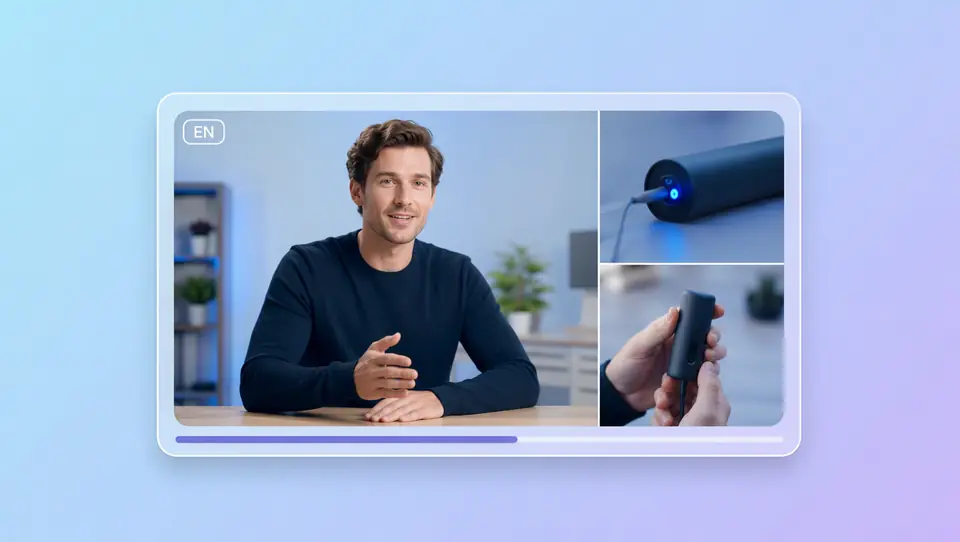
    List the markets you need, write localized scripts, optionally add product or reference media—set ratio, duration, and resolution, then generate. One sample per language before you batch; not speech translation on an uploaded master.
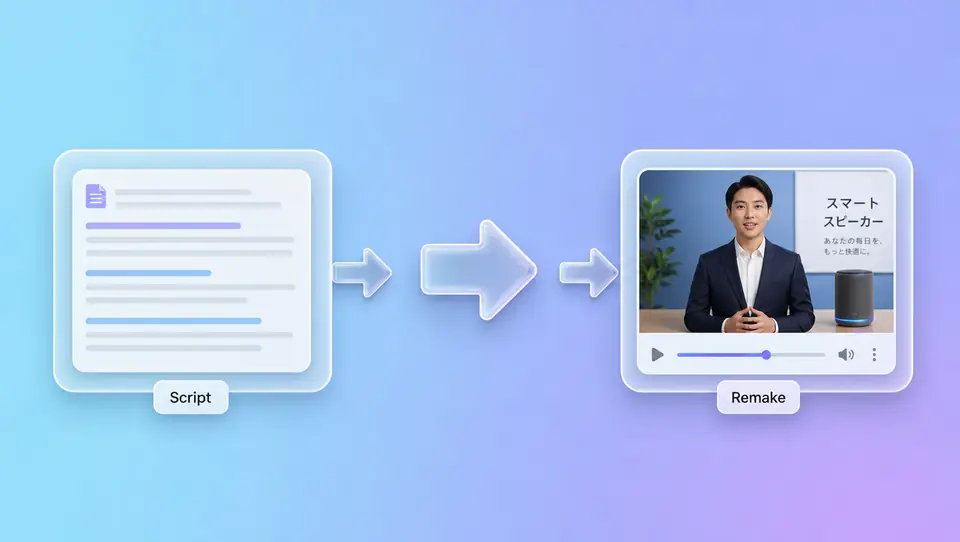
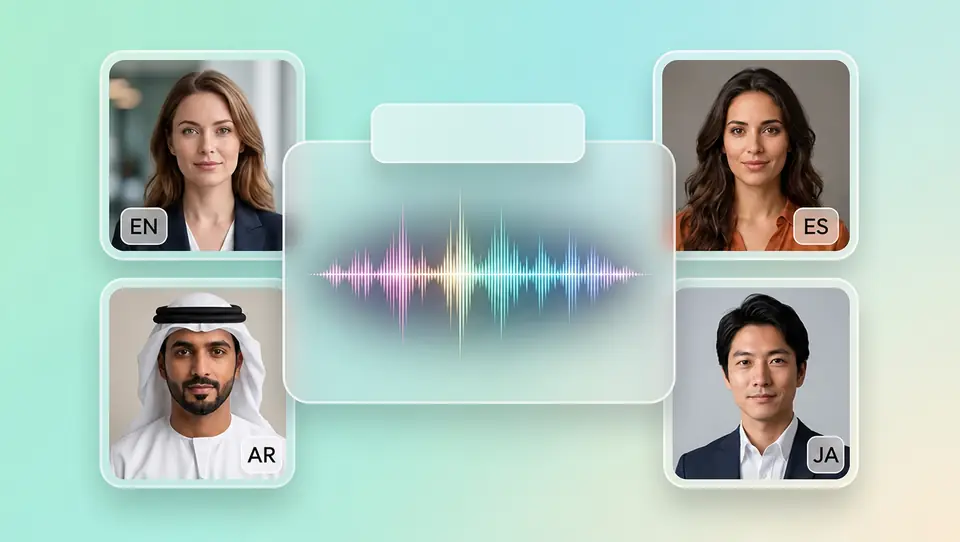
    Multilingual Is Not One Dub Track—It's a Clip Per Language

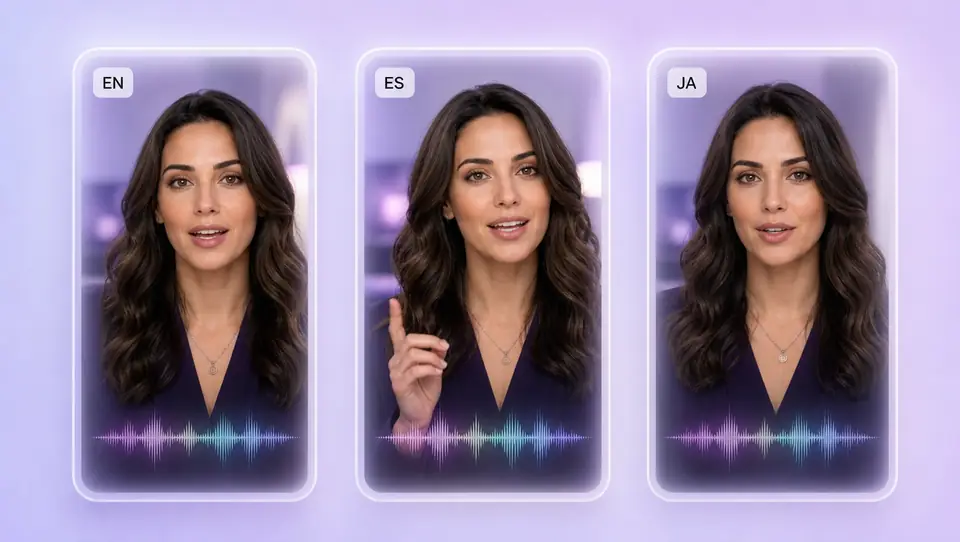
    Treat AI video translation as market planning: English, Spanish, Japanese each get localized lines and their own sample before you scale. Markets live in the script and brief—not a fixed language picker alone.

    AI Dubbing Searchers Want Spoken Lines Locals Actually Accept

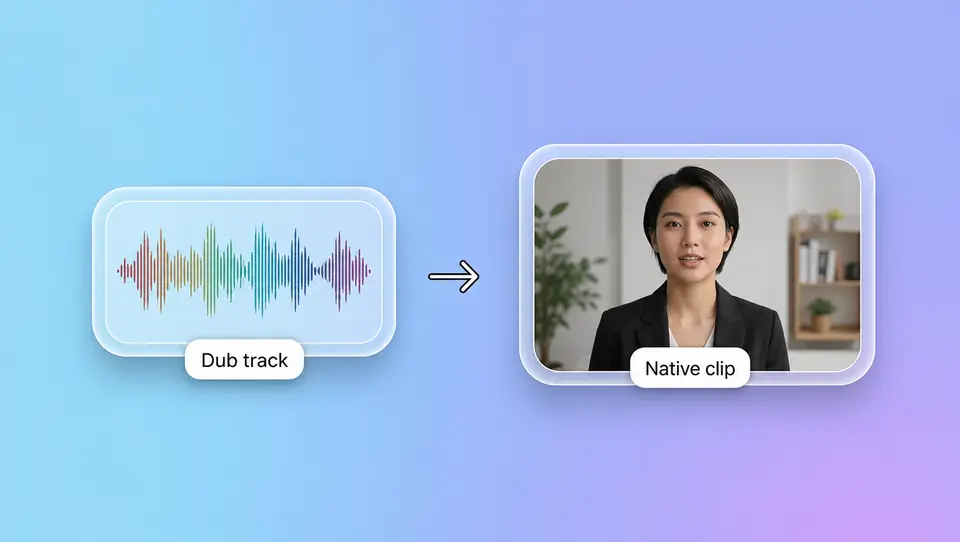
    Auto-dub often keeps the original visuals and swaps the track—viewers still hear the wrong rhythm. Topview writes target-market lines into the script and regenerates in-scene delivery—a remake locals watch, not an auto track pasted on the original.

    Translate Video to English: High-Value Market, Sample First

    Literal English from non-English selling points loses overseas viewers. Rewrite an English script from your brief and regenerate the English cut with the same visual identity—lock English before you add Spanish, Japanese, or other markets.

    YouTube Channels Going Global: Local Hooks, Same Visual Identity

    Channel look can stay consistent across markets; hooks and spoken lines should feel locally made. Regenerate language versions per market—one sample each before you batch.

    Multilingual Remake vs On-Screen Text in the Original Language

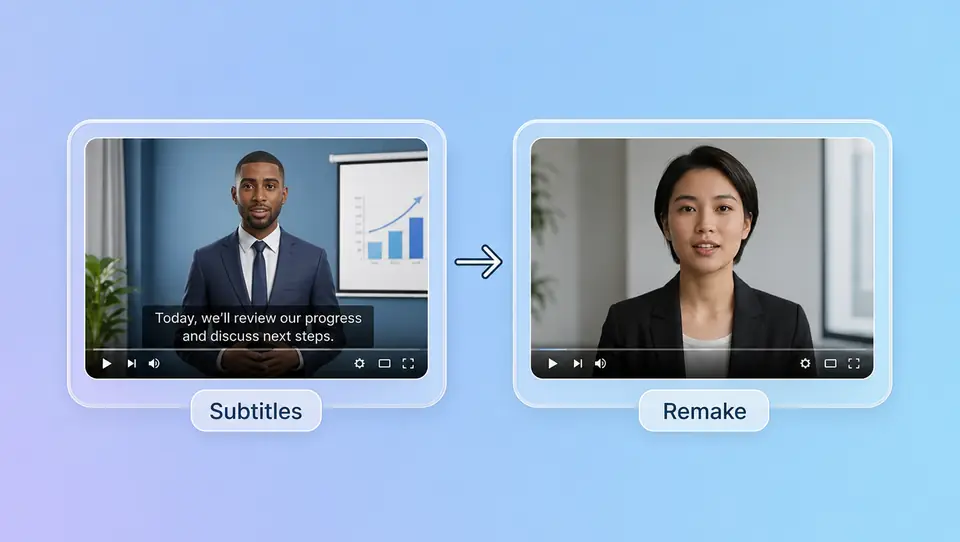
    Need clearer on-screen text in the original language? See the AI subtitle generator page. This page rewrites the script and regenerates clips for a new language—not subtitles-only on an existing file.

    One Click, One Language: Free Credits to Test a Variant

    Use free credits on one language sample—check whether local lines land before you expand market by market. No subscription lock-in on the first pass.

    3 Steps: Local Lines to a Post-Ready Multilingual Clip

    1. 1

      Write localized lines for each market

    2. 2

      Set specs and generate one sample first

    3. 3

      Scale when the sample lands—otherwise rewrite

    FAQs

    No. Rewrite the script for the target market and regenerate with AI Video. Not upload-and-auto-dub, speech translation, or lip-sync on your master file.

    Yes. Localized scripts per market, one sample per language first, then scale. Each locale gets a native-feeling short from the same visual brief—not a dubbed copy of one master.

    Searchers often use both terms for the same job. On Topview this means recreate-for-language: rewrite lines and regenerate—not speech translation plus dubbing.

    Yes. English is a high-value path: prepare an English script from your selling points and generate a new clip with the same visual brief. Sample English first, then add other markets.

    Yes. Use free credits on one language sample—preview whether local lines land, then expand. Try free first; scale when the variant works.

    Those tools start from your uploaded file and swap voice or sync lips. Topview starts from a localized script and the same visual brief, then regenerates a new short for that market—rewrite and remake, not paste audio onto the original.

    Original language on-screen readability? Use the subtitle generator page. Need a new language version with local spoken lines? Stay here—rewrite the script and regenerate.

    Generate Your First Fluent Language Variant Today

    Try free—generate fluent foreign-language video variants in one click: rewrite local lines, four inputs, regenerate. Change the script or open Canvas if it does not land; add locales after the sample works.

    Sample in English