Topview
    • MCP/Skill
    • Plugin
    • API
    • Pricing
    1. Home
    2. AI Video Generator
    3. Cartoon Video

    AI Ads

    AI Video AgentAI Ads VideoAI Product VideoAI UGC VideoURL to Video

    AI Avatar

    AI Avatar GeneratorProduct AvatarDesign My AvatarAI Lip Sync

    AI Video

    AI Video GeneratorDrama StudioAI Video Body SwapAI Video UpscalerAI Video Watermark RemoverTikTok Watermark RemoverSora Watermark RemoverSubtitle RemoverAI Motion ControlAI Lip SyncURL to Video

    AI Image

    AI Image GeneratorAI Face SwapAI Image Character SwapAI Image UpscalerAI InpaintAI Image Text EditorPhoto Angle EditorAI RelightingAI Product PhotographyAI Virtual Try-OnAI Storyboard GeneratorExtract Color PaletteImage to Prompt

    AI Voice

    VoiceoverAI Voice CloningAI Music Generator

    3D

    3D World Generator3D Shot Composer

    Use Cases

    AdvertisingAffiliate MarketingEcommerceDTC BrandsAI Live Stream

    Resources

    BlogAffiliate ProgramLearning CenterAlternativeAPI

    Company

    Topview StudioPrivacy PolicyTerms
    Topview

    © 2026 TOPVIEW PTE. LTD.

    Singapore: 20 Collyer Quay #20-03, Singapore 049319
    Los Angeles: 15970 Los Serranos CC Dr #251, Chino Hills, CA 91709

    AI Tool to Quickly Generate Clear Cartoon Explainers

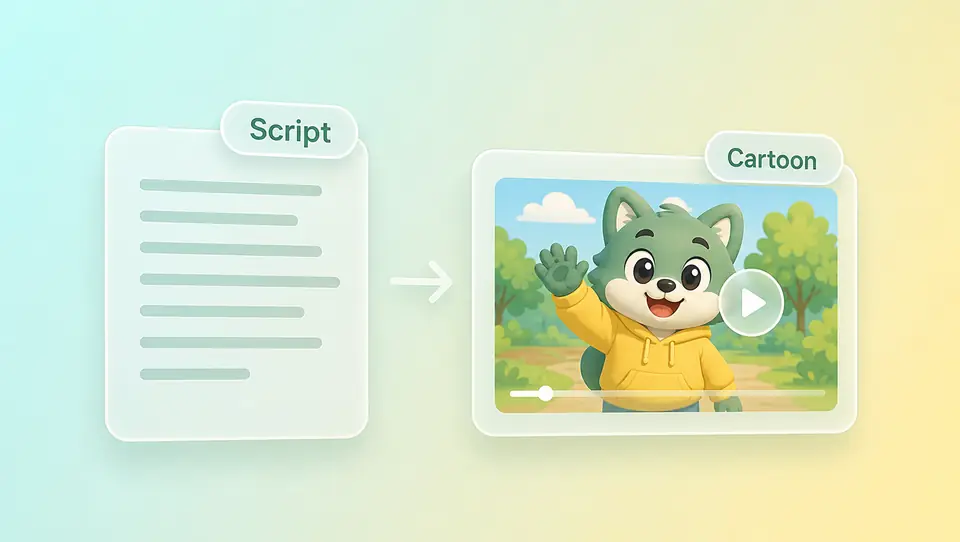
    An AI tool to quickly generate clear cartoon explainers—type a short script or upload a mascot image so the character explains your offer. Topview supports text, images, video, or audio; skip live talent and keep one look across a series. Try free to confirm the style—not an outsourced animation studio, not the anime page.

    Ask Topview to

    Kids Lessons, Brand Shorts, Mascot Stories—Sample the Look First

    Browse cute, bold-outline, and soft educational samples—see how kids explainers, brand stories, and mascot product clips usually look, then generate your version from your script or art.

    Cute Cartoon Explainers for Kids Content

    Rounded shapes and friendly motion for kids lessons or brand stories. Prompt with cute cartoon style, short script beats, and clear selling points.

    Bold-Outline Cartoon for Brand Mascots

    Thick outlines and flat color blocks suit mascot product clips. Upload character art and prompt action, benefits, and bold outline style.

    Soft Educational Cartoon for Clear Explainers

    Gentle palette and calm pacing for parent-facing lessons. Write soft educational cartoon notes plus step-by-step explainer script.

    The Mascot on Your Packaging Can Explain Ingredients and Scenes

    Already have an illustrated character or product mascot? Upload it for image-to-video motion through benefits, ingredients, and reassurance—cheaper than live talent or redrawing a full character set.

    Only Three Selling Points? Ship One Cartoon Sample First

    Skip the agency queue. Describe the explainer scene in a prompt and lock the look on one sample—cute, bold, or educational notes live in your words. Batch the series once the style holds.
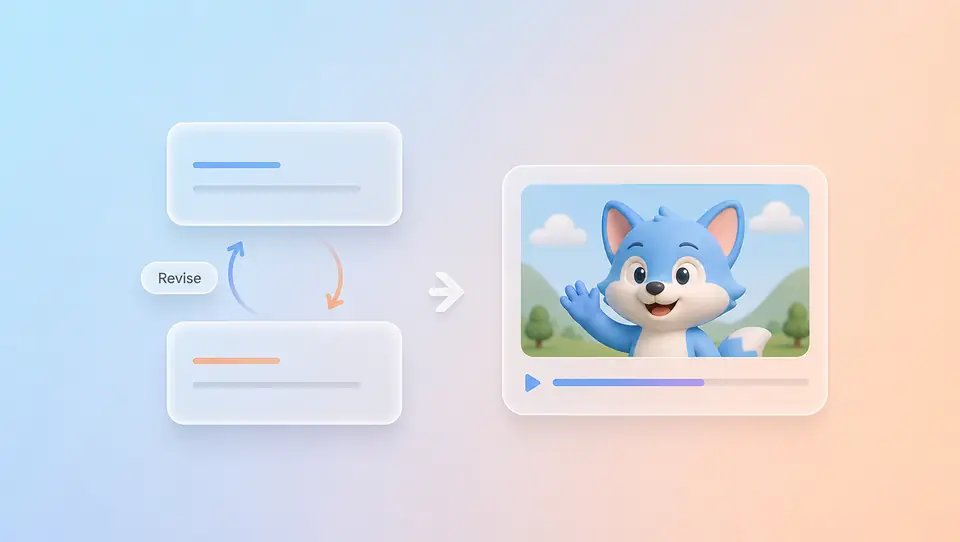
    Agency Revisions Take a Week—Change the Script and Regenerate Here

    The expensive part of animation outsourcing is not the first draft—it is rework. Topview lets the character walk through features in cartoon style; script changes or look tweaks mean a new prompt or Canvas pass, not a studio calendar.

    Try One Fast: Free Credits to Confirm the Explainer Lands

    Use free credits on one explainer sample—confirm the cartoon look fits your brand or kids content before you scale the series. Credits are limited; upgrade when volume grows.

    Who Uses It: Education, Parent Brands, Product Stories

    Knowledge accounts teaching parents and kids; parent brands that need IP to explain ingredients, not hard ads; product teams with no on-camera spokesperson—cartoon explainers let a character carry the message weekly in one visual style.

    Cartoon Page or Anime Page? Match the Style Intent

    Kids explainers, brand mascots, and Western cartoon looks stay here. TV-anime, illustration, and Japanese-animation aesthetics belong on the anime page—do not mix anime search intent with mascot explainers.

    anime page

    3 Steps: Script or Mascot to Cartoon Explainer

    1. 1

      Describe the scene in text or upload a mascot or character image—four inputs, same as other Topview AI Video pages.

    2. 2

      Write cute, bold-outline, or soft educational notes in your prompt. Set aspect ratio, duration, and resolution—look is prompt-led, not a preset switch.

    3. 3

      Download when the style works—or expand the series. Drift? Change the prompt, swap the mascot reference, or open Canvas.

    FAQs

    Yes. Turn a short script or mascot image into a cartoon explainer—ship one usable sample, then expand when the look fits. Not a frame-by-frame crew or a template studio like Laihua/Wancai.

    Use cartoon explainers. Write selling points in a script or upload a mascot, add cartoon-style notes in your prompt, and let the character carry the message.

    Yes. Start with free credits on one explainer sample. Credits are limited—upgrade when you need more for a full series.

    Yes. Start from text or a mascot image, add cartoon-style notes, set ratio, duration, and resolution—the same Topview AI Video flow.

    Repeat style notes in your prompt and regenerate until it holds. Topview does not offer a locked cartoon preset library or pixel-perfect brand compliance—refine in Canvas when a clip drifts.

    Use this page for kids explainers, brand mascots, and broader cartoon styles. Use the anime page for Japanese-animation aesthetics.

    No. Topview is not frame-by-frame animation, has no official cartoon preset catalog, and does not certify YouTube Kids or any platform policy. Review compliance yourself before publishing.

    Ship One Clear Cartoon Explainer Today

    Try free—quickly generate a clear cartoon explainer: skip live talent; script or mascot to one sample. Scale the series when it reads clearly; polish in Canvas.

    Try one explainer